
Invoice Generator Online
Need to bill a client without wrestling with a spreadsheet? This invoice generator online builds a clean, professional invoice in your browser — up to 6 items, tax worked out for you, totals live as you type — then saves a draft or prints it as a PDF. No sign-up, no upload, and nothing leaves your device.
Items (up to 6)
Subtotal / Tax / Total
—
INVOICE
INV-001 · —
From
—
Bill to
—
| Description | Qty | Unit price | Amount |
|---|---|---|---|
| No items yet — add a description, quantity and price above. | |||
Subtotal: —
Tax: —
Total: —
Fill in the invoice above — totals update live as you type. Nothing is uploaded.
This is an estimate only. It is not financial advice, and actual results may differ. Tax rates change, so check the real figures before sending an invoice.
Why Use This Invoice Generator Online?
Getting paid starts with sending an invoice, and for a freelancer or a small business that step is often the one that gets put off. A spreadsheet works, but it means building the layout yourself, checking the arithmetic by hand, and formatting the file before every send. This invoice generator online does the whole job in one page: the layout is already there, the totals work themselves out as you type, and the result prints as a clean PDF you can send straight away.
It also keeps the numbers honest. A line total is quantity times unit price, the subtotal is the lines added up, the tax is a percentage of the subtotal, and the total is the two added together — simple arithmetic, but easy to get wrong in a spreadsheet when a row is added late or a rate changes. This invoice generator online recomputes every figure live, so the invoice you send always adds up, and the preview below the form shows exactly what the client will see.
Privacy matters too, because an invoice carries real business details — your name, your client, and what you charged. This invoice generator online runs entirely in your browser, so none of that leaves your device: no account, no sign-in, and no copy of your invoices sitting on someone else's server. A draft saves only in your own browser's local storage, for you alone. It sits in our Calculators collection next to the discount and profit margin calculators.
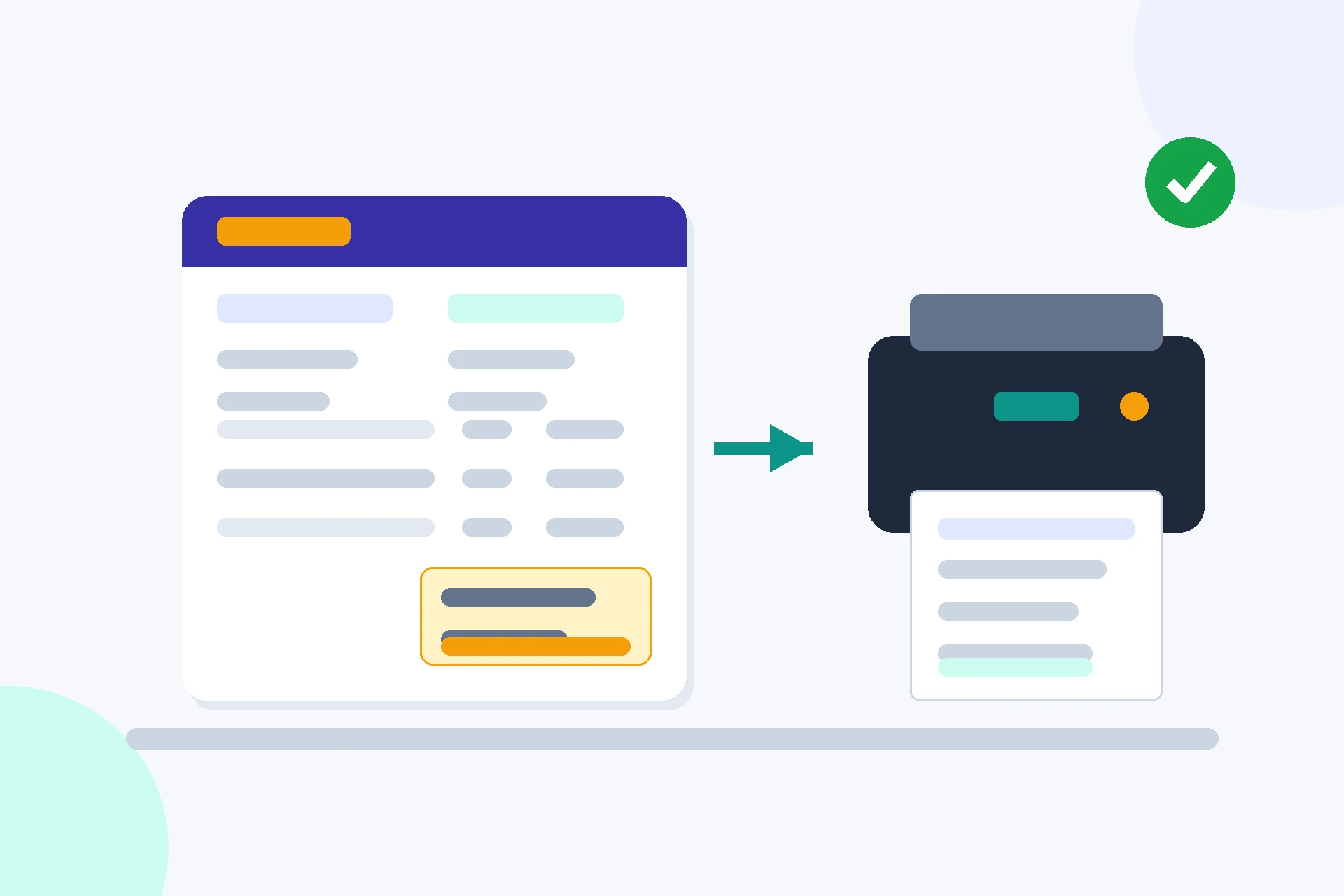
How to Use This Invoice Generator Online in 5 Steps
- Fill in who and when. Type your business name and the client's name, then check the invoice number and date — the date defaults to today.
- Add your items. Each row takes a description, a quantity, and a unit price. Use up to 6 rows; leave the rest blank and they are ignored.
- Set the tax rate. Type the percentage that applies to your work — 0 if no tax applies. The tax and total update live.
- Check the preview. The invoice below the form shows the finished layout, with every line, the subtotal, the tax, and the total.
- Save a draft or print it. Save Draft keeps the invoice in your browser for later; Print / Save as PDF makes a clean PDF to send to the client.
Invoice Generator Online: How the Totals Are Worked Out
Every figure on the invoice comes from three steps. First, each line total is the quantity times the unit price, rounded to the nearest cent — so 3 units at $19.99 is $59.97. Then the subtotal is all the line totals added together. Finally the tax is the subtotal times the tax rate, also rounded to the cent, and the grand total is the subtotal plus the tax. This invoice generator online runs those steps on every keystroke, so the totals on screen are never out of date with the items above them.
A worked example makes it concrete. Take an invoice with three lines — 2 hours of design work at $75 an hour, 1 hosting setup at $50, and 1 domain at $12 — and a tax rate of 10%: the line totals are $150.00, $50.00, and $12.00, the subtotal is $212.00, the tax is $21.20, and the grand total is $233.20. With the tax rate at 0%, the same invoice totals $212.00 flat. The preview shows all four figures, so you can check the arithmetic before the invoice goes out. For the background on what an invoice is and what it should contain, see the Wikipedia article on invoices.
One honest limit: the tool works out the arithmetic, but it does not know your tax rules. Rates differ by country, by the kind of work, and sometimes by the client, so the rate you type is your responsibility — check what applies to you before you send the invoice. This is an estimate only. It is not financial advice, and actual results may differ. Tax rates change, so check the real figures before sending an invoice.
Invoice Generator Online vs Other Ways to Send an Invoice
| Method | Needs an account | Totals worked out | Saves a draft | Best for |
|---|---|---|---|---|
| This invoice generator online | No | Yes, live | Yes, in your browser | A quick invoice, right now |
| Accounting software | Yes | Yes | Yes, in the cloud | A business with many invoices |
| A spreadsheet | No | If you build it | As a file | A custom layout |
| Writing it by hand | No | No | No | Nothing — the arithmetic is on you |
For a single invoice you want sent today, without an account or a subscription, this invoice generator online is the simplest choice.
Everyday Scenarios for This Invoice Generator Online
Billing a client for freelance work with this invoice generator online
You finished a design job and need to bill for it. Put the hours on separate lines — design, revisions, and the stock photos you bought — set the tax rate, and print the PDF. The client gets a clean invoice with every charge itemised, and you get paid without touching a spreadsheet.
Sending a deposit invoice before starting a job with this invoice generator online
You ask for half up front before work begins. Make an invoice with a single line — deposit for the project, at half the quoted total — and send it. When the work is done, make a second invoice for the balance with the same number series, and both invoices stay consistent.
Keeping a copy of every invoice you send with this invoice generator online
You want a record of what you billed and when. Save a draft before you print, and the invoice stays in your browser for later; print each one to PDF as you send it, and the files become your own record — no account, no monthly fee, and nothing stored anywhere else.
Common Mistakes When Using an Invoice Generator Online
The biggest mistake is sending an invoice with the wrong tax rate — or with tax left at 0% when it should have been charged. This invoice generator online applies exactly the percentage you type, and it cannot know your local rules, so check the rate before you print. A wrong rate means either undercharging and losing money, or overcharging and having to correct the invoice later.
The second mistake is forgetting the invoice number. Two invoices with the same number, or no number at all, make it hard for the client to pay the right one — and hard for you to chase it later. Number your invoices in order and keep the series going, even when you only send a few a month. And remember this invoice generator online keeps drafts only in the browser you saved them in, so a draft saved on one computer will not appear on another.
Invoice Generator Online: Frequently Asked Questions
No. This invoice generator online runs entirely in your browser. A draft is saved only in your own browser's local storage when you click Save Draft, and it never leaves your device. Nothing is uploaded to a server, and there is no account to sign into.
Click Print / Save as PDF and choose Save as PDF in the print dialog. The print layout shows only the invoice itself — no buttons, no form fields, no page furniture — so the PDF looks like a clean invoice you can send to a client.
This invoice generator online allows up to 6 item rows per invoice. If a job needs more lines, group small items into one line — for example, list three small tasks as a single line called Miscellaneous work — or split the job across two invoices.
Use the rate that applies to your work and your location — the tool simply applies the percentage you type to the subtotal. Tax rules differ by country and by the kind of work, so check the rate that applies to you before you send the invoice.
Yes. Every line total, the subtotal, the tax, and the grand total are worked out live as you type, and the invoice preview below the form always shows the current figures. Change any quantity, price, or the tax rate and the totals update straight away.
In short, this invoice generator online is the private way to bill a client properly — fill in the job, check the preview, and send a clean PDF.