
PDF Text Extractor Online
Need the words out of a PDF? This pdf text extractor online pulls the text from every page of your file, right in your browser — read it page by page, copy it all, or download it as a plain .txt file. No sign-up, no upload, and nothing leaves your device.
Drop a PDF here, or click to choose one
Your file is read in your browser only. It is never uploaded.
Pages
—
Characters extracted
—
Choose a PDF file to start. Nothing is uploaded.
Why Use This PDF Text Extractor Online?
PDFs are built to look the same everywhere, and that is exactly what makes their text hard to get at. A report, a contract, or a manual arrives as a PDF, and the words inside are locked behind a format meant for reading, not reusing. Copying page by page from a reader works, but it is slow, it drops lines, and it pastes awkward line breaks into everything. A pdf text extractor online reads the whole file at once and hands you the text, page by page, ready to use.
It also keeps the document private. Most online PDF tools ask you to upload the file to their server, which means a copy of your document sits on someone else's computer — fine for a public report, not fine for a contract or a payslip. This pdf text extractor online does the whole job in your browser: the file is read on your own device, the text never leaves it, and there is nothing to delete afterwards because nothing was ever uploaded.
And it is honest about what a PDF actually contains. Some PDFs are real text, and this tool extracts it cleanly. Others are scanned images dressed up as PDFs, with no text inside at all — and this tool will tell you that plainly instead of handing you a blank page and leaving you to wonder. It sits in our PDF Tools collection for everything you need to get out of a PDF, from images to pages to words.
How to Use This PDF Text Extractor Online in 4 Steps
- Choose a PDF file. Click the drop zone to pick a file, or drag one onto it. The file must end in .pdf.
- Wait for the pages to be read. Extraction starts straight away, page by page, and the status line shows the progress. A long document takes a little longer.
- Read the text page by page. The pdf text extractor online shows each page under its own "Page N" heading, with the page count and total characters at the top.
- Copy it or download it. Use Copy All Text to put everything on your clipboard, or Download .txt to save it as a plain text file.
PDF Text Extractor Online: How Text Is Pulled Out of a PDF
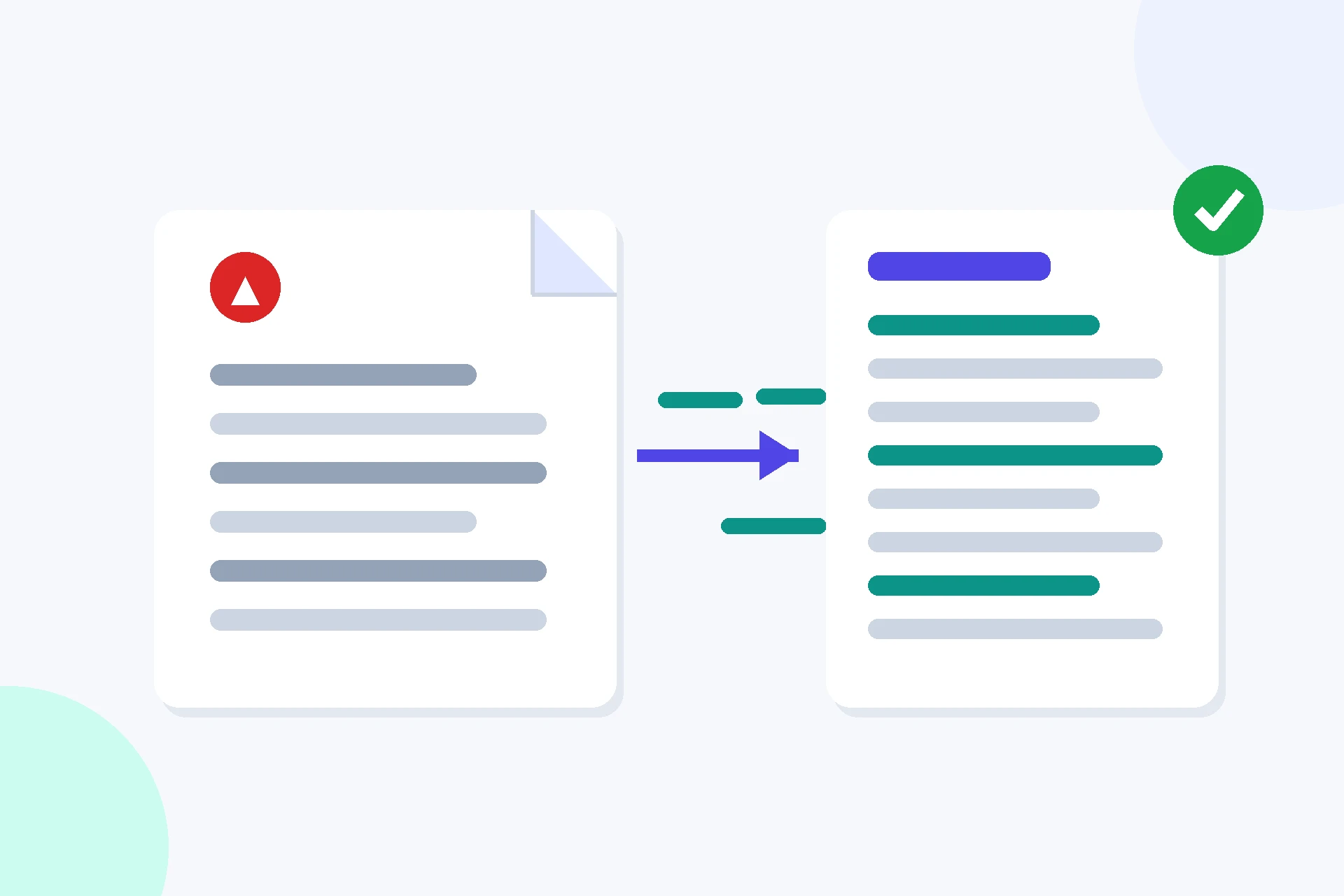
A PDF stores text as positioned fragments: each line is a set of characters placed at exact coordinates on the page, with no paragraphs, no sentences, and no reading order guaranteed. The extractor reads each page in turn, collects those fragments in the order the PDF stores them, and joins them back into lines — a line break is added where the PDF marks the end of a line. That is why the result reads like the document but not exactly like it: the words are all there, in the right order, but the layout is gone.
The important limit is what counts as text. A PDF made from a Word document or a web page has a real text layer, and this pdf text extractor online reads it completely. A PDF made from a scanner has no text layer at all — each page is a picture of text, and no extractor can read words out of a picture without OCR, which turns images into text and is a different job entirely. If your PDF has no text to extract, this tool says so and explains why, instead of failing silently.
The reading itself is done by PDF.js, the open-source PDF reader built by Mozilla and used inside Firefox, running entirely in your browser. It handles the compressed streams, fonts, and encodings inside a PDF so the text comes out readable. Because the library runs in the browser, there is no server involved at any point — the file is opened, read, and turned into text on the same device that holds it. For the background on the library and how it works, see the PDF.js project from Mozilla.
PDF Text Extractor Online vs Other Ways to Get Text Out of a PDF
| Method | Uploads your file | Whole document at once | Page by page | Best for |
|---|---|---|---|---|
| This pdf text extractor online | No | Yes | Yes | Private, full extraction |
| Copy-paste from a reader | No | No | By hand | A paragraph or two |
| Desktop PDF software | No | Usually | Sometimes | Heavy, regular use |
| An upload-based converter | Yes | Yes | Sometimes | Public files only |
For text out of a PDF you want right now, without uploading the file, this pdf text extractor online is the simplest choice.
Everyday Scenarios for This PDF Text Extractor Online
Quoting from a report with this pdf text extractor online
You need three paragraphs from a 40-page report for a proposal. Extract the text, find the paragraphs, and copy them exactly — no retyping, no transcription errors, and no hunting through the PDF for the right page.
Reusing the text from a form or a letter
A supplier sends terms as a PDF and you need the wording in your own document. Extract it, paste it into your editor, and clean up the line breaks — faster than typing it out, and the wording stays word-for-word.
Checking what is inside a long PDF with this pdf text extractor online
Someone sends a long document and you want to know what it actually says before you read it properly. Extract the text and search it in your browser: the key terms, figures, and names show up straight away, and you know which pages matter.
Common Mistakes When Using a PDF Text Extractor Online
The biggest mistake is expecting a scanned PDF to work. If the PDF was made by a scanner, its pages are images, and no text extractor can read them — the tool will tell you no text was found, which is the correct answer, not a failure. Scanned pages need OCR software, which reads words from pictures and is a separate tool.
The second mistake is expecting the layout to survive. A pdf text extractor online returns plain text: the words, in order, page by page — not the columns, tables, or formatting of the original. If you paste the result into a document, expect to tidy the line breaks and reapply the formatting yourself.
PDF Text Extractor Online: Frequently Asked Questions
No. A scanned PDF is a photograph of a page, not text, so there is nothing to extract. This pdf text extractor online reads the text layer inside a PDF; scanned pages need OCR software, which this tool does not do.
There is no set limit, but very large PDFs take longer because every page is read in your browser. A hundred-page document usually finishes in seconds; a thousand-page one may take a while and use a lot of memory.
No — it extracts plain text, page by page. Bold, italics, fonts, and columns are not preserved, and lines may break where the PDF broke them. The result is meant for reading, quoting, and searching, not for rebuilding the layout.
No. If a PDF is locked with a password, this tool cannot open it and will say so plainly. Remove the password in your PDF reader first, then extract the text.
No. This pdf text extractor online runs entirely in your browser. The file you choose is read only on your own device and is never uploaded, stored, or sent to a server.
In short, this pdf text extractor online is the fast, private way to get the words out of a PDF — drop the file in, read the text page by page, and copy or download what you need.