
The best AI tools for podcasters are not one app that does everything. They are four tools, one for each stage of making an episode: Riverside records the conversation and transcribes it, Descript edits it by letting you cut words from the transcript, Castmagic turns the finished audio into show notes and titles, and OpusClip cuts the episode into short clips for social media.
This guide picks one best tool per stage, with the actual price of each plan — every figure below comes from the vendor’s own pricing page, checked in November 2026. It also says where the tools overlap, because you probably do not need all four on day one.
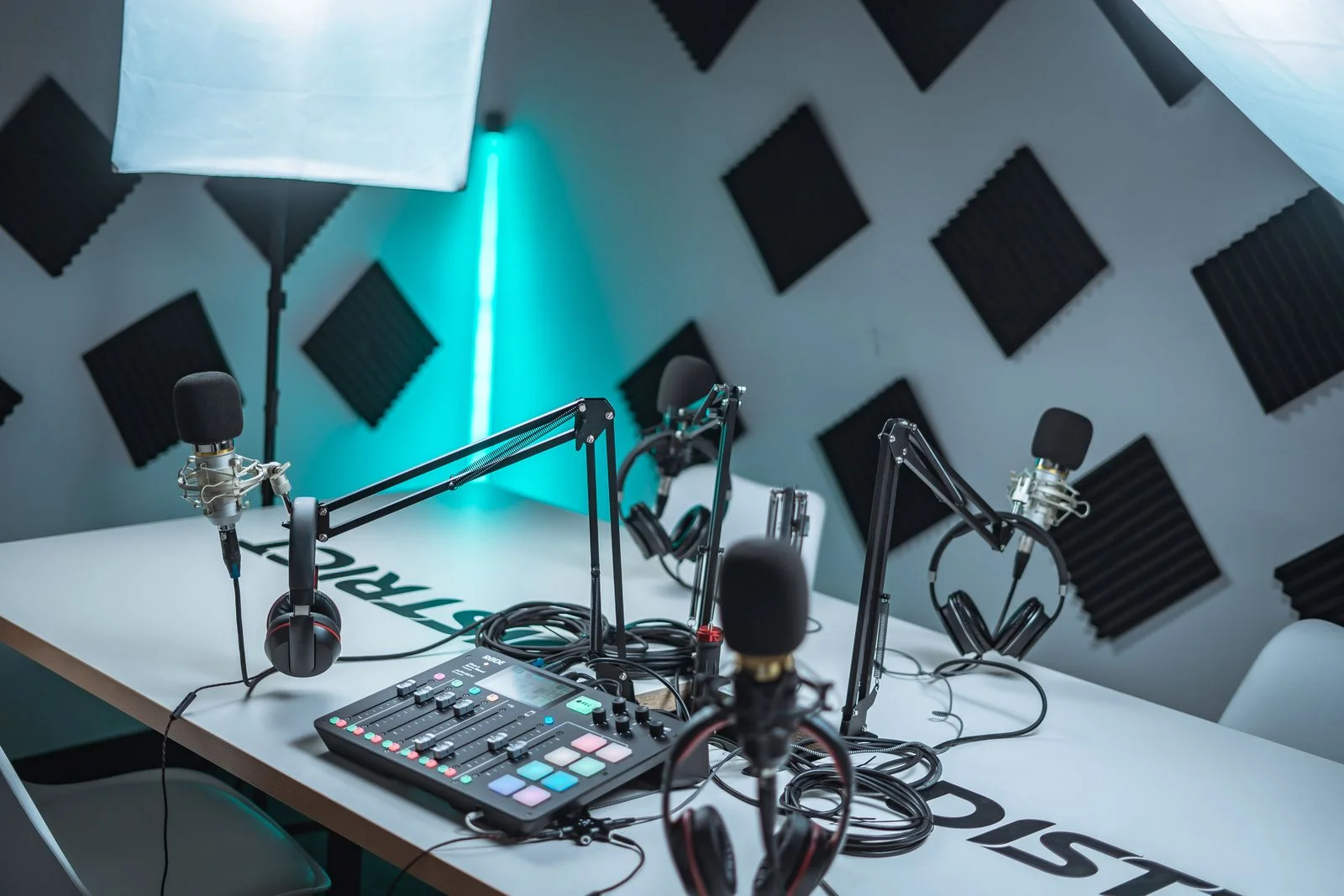
The Best AI Tools for Podcasters, by Stage
A podcast episode moves through four stages: record, edit, publish, promote. AI helps at every stage, but the tools are built for one stage each. Here is the stack this guide recommends, with the plan a solo podcaster actually needs:
| Stage | Best tool | Plan to start with | Price (as of November 2026) |
|---|---|---|---|
| Record + transcribe | Riverside | Pro | $24 a month billed annually ($288 a year) |
| Edit | Descript | Creator | $24 a month billed annually ($288 a year) |
| Show notes + titles | Castmagic | Hobby | $19 a month billed annually ($239 a year) |
| Clips + promotion | OpusClip | Pro | $14.50 a month billed annually ($174 a year) |
Bought together on annual billing, the four paid plans cost $989 a year — $288 + $288 + $239 + $174. Every tool also has a free plan or trial, so you can test each stage before paying for any of it. The honest version of the stack is smaller: Riverside and Descript alone cover recording through editing for most shows, and you add Castmagic and OpusClip when your publishing volume grows.
Best AI Tools for Recording and Transcription
Riverside — best for recording remote guests
Riverside records each guest locally on their own device, then uploads the separate audio and video tracks. That matters because a glitchy connection ruins a cloud recording but barely touches a local one: your guest’s audio is captured on their machine at full quality even if the video call stutters. It records up to 4K video and 48 kHz audio, and every paid plan includes unlimited transcription, so the transcript is waiting when the recording ends.
Pricing (as of November 2026): the free plan costs $0 and includes 2 hours of multi-track recording, 720p video, and a Riverside watermark. Pro costs $24 a month billed annually ($288 a year) and raises the limits to 15 hours of separate-track downloads a month, up to 4K video, 48 kHz audio, no watermark, plus Magic Clips and AI show notes. Grow costs $34 a month billed annually ($408 a year) and adds live streaming, social scheduling, and a second show. Pro starts with a 14-day free trial.
What to watch: the 15-hour monthly cap on separate-track downloads is the number that decides whether Pro fits your show. A weekly one-hour episode with two tracks uses roughly 8 to 9 hours of downloads a month, which fits; a show that records three long episodes a week will outgrow it. Riverside’s own comparison table lists a lower figure for Pro than its plan card does, so confirm the cap with Riverside support before committing to a season.
If transcription alone is the job — you already record elsewhere and just need accurate text — a dedicated transcription app may fit better. Our comparison of Otter vs Fireflies vs Fathom covers three tools built for exactly that.
Best AI Tools for Editing (Filler Words, Noise, Silence)
Descript — best for editing audio like a document
Descript turns your recording into a transcript, and you edit the audio by editing the text. Delete a sentence from the transcript and Descript deletes it from the recording. That single idea is why podcasters switch to it: cutting an interview stops being timeline surgery and becomes proofreading. It also removes filler words (“um”, “uh”, “you know”) in one pass, trims silences automatically, and cleans up room noise and echo with its Studio Sound feature. Transcription covers 25 languages, and it can tell up to 8 speakers apart.
Pricing (as of November 2026): the free plan costs $0 and includes 60 media minutes a month. Hobbyist costs $16 a month billed annually ($24 billed monthly) and includes 600 media minutes (10 hours) a month. Creator — the plan most podcasters need — costs $24 a month billed annually ($35 billed monthly) and includes 1,800 media minutes (30 hours) a month. Business costs $50 a month billed annually ($65 billed monthly) and includes 2,400 media minutes (40 hours) a month. Prices are per person.
What to watch: media minutes are the real budget. A media minute is a minute of audio you import or record, so a two-hour interview costs 120 minutes before you edit a word. Creator’s 30 hours a month covers about four two-hour episodes a week with room to spare; a daily show would need Business or extra minutes. Descript also makes clips and show notes, so if you buy Creator you may not need a separate clip tool until your posting volume grows.
Best AI Tools for Show Notes and Titles
Castmagic — best for turning one episode into everything written
Castmagic takes your finished audio and produces the written material around it: show notes, episode titles, timestamps, summaries, quotes, and social posts. You upload the recording (or paste a link), pick the outputs you want, and it drafts them from the transcript. For a weekly show, that replaces the hour of writing that usually follows the edit — the part most podcasters put off until the episode is already late.
Pricing (as of November 2026): Hobby costs $19 a month billed annually ($239 a year). Starter costs $48 a month billed annually ($579 a year). Team costs $139 a month billed annually ($1,669 a year) and includes 5 seats. There is no free plan listed on the pricing page, so test it on the cheapest plan before committing to a year.
What to watch: Castmagic’s output is a draft, not a finished page. It can invent a quote that sounds right but was never said, and it sometimes smooths over the specific detail that made the episode worth hearing. Read every show note against the transcript before publishing, and keep the episode’s real numbers, names, and links in your own hands. The tool saves the typing, not the checking.
Best AI Tools for Clips and Social Promotion
OpusClip — best for short clips from long episodes
OpusClip watches a long episode, finds the moments most likely to work as short videos, and cuts them into vertical clips with captions, ready for TikTok, Reels, and Shorts. You upload the episode, it returns a set of scored clips, and you pick the ones to post. For a show that records an hour of video a week, it is the fastest route from one episode to a week of social posts.
Pricing (as of November 2026): the free plan costs $0 and includes 60 credits a month. Starter costs $15 a month (monthly billing only) and includes 150 credits a month. Pro costs $29 a month billed monthly, or $14.50 a month billed annually ($174 a year), and includes 3,600 credits over 12 months. Annual billing halves the monthly price: $29 times 12 is $348, so the annual plan saves $174 a year. Business is custom priced.
What to watch: OpusClip runs on credits, and a credit is not a clip — the cost of one episode depends on its length and the features you use, so the free plan’s 60 credits may cover one episode or part of one. Start free, process one real episode, and count what it costs before choosing a plan. Also note that Riverside’s Pro plan already includes Magic Clips and Descript makes clips too, so check what you already pay for before adding OpusClip.
Cleaning Up AI Transcripts Before You Publish
Every tool above produces text — transcripts, show notes, titles, captions — and AI text always arrives a little messy: double spaces, stray line breaks, smart quotes that break your site’s formatting, filler words the editor missed. Before anything goes on your episode page, run it through a text cleaner to strip the extra spaces, broken lines, and hidden characters in one pass. It takes seconds and it is the difference between show notes that look published and show notes that look pasted. That cleanup step is what separates shows that use the best AI tools for podcasters well from shows that publish raw AI output.
Length matters too. Show notes that run past 300 words rarely get read in full, and episode descriptions get cut off in podcast apps after roughly the first 120 characters. Paste your draft into an online word counter to check the length before you publish, and trim the opening lines until the hook fits in the first sentence. If you write show notes often, our guide to AI tools for freelance writers covers the same drafting and cleanup workflow from the writing side.
Best AI Tools for Podcasters: Frequently Asked Questions
What is the best AI tool for podcasters overall?
There is no single best tool — the work splits by stage. Riverside is the best pick for recording and transcription, Descript for editing, Castmagic for show notes, and OpusClip for clips. If you can only pay for one, Descript’s Creator plan covers the most ground: editing, transcription, filler-word removal, and clips in one app.
Can I use AI tools for podcasting for free?
Yes, up to a point. Riverside’s free plan gives you 2 hours of multi-track recording, Descript’s free plan gives you 60 media minutes a month, and OpusClip’s free plan gives you 60 credits a month. That is enough to record, edit, and clip a short test episode. A regular weekly show will outgrow all three free plans within a month or two.
How much do AI podcast tools cost in total?
The four paid plans in this guide cost $989 a year on annual billing: Riverside Pro $288, Descript Creator $288, Castmagic Hobby $239, and OpusClip Pro $174. A leaner stack — Riverside Pro plus Descript Creator — costs $576 a year and covers recording, transcription, and editing. All prices were checked on the vendors’ pricing pages in November 2026.
Do AI tools replace a human podcast editor?
They replace the repetitive parts: transcription, filler-word removal, silence trimming, first-draft show notes, and clip cutting. They do not replace judgement about what to cut, which story to lead with, or whether a joke lands. Treat the AI output as a first pass, and keep a human listen-through before anything is published.