
Text Cleaner Online
Pasted text full of double spaces, stray blank lines, and trailing spaces? This text cleaner online tidies it in one click — collapse extra spaces, drop blank lines, and trim trailing whitespace, without changing a single word. No sign-up, no upload, and nothing leaves your browser.
Paste some text and click Clean text to see the counts.
Paste your text, pick any options, and click Clean text. Nothing is uploaded.
Cleaning changes spacing only — it never changes, reorders, or removes any of your words. It never removes duplicate lines either: if the same line appears twice, both copies stay, because removing duplicates is a different job.
Why Use This Text Cleaner Online?
Pasted text is rarely as clean as it looks. A paragraph copied from a PDF arrives with double spaces where the line breaks used to be. A list exported from a spreadsheet is broken up by blank lines. Text copied out of a chat app or an old document carries trailing spaces at the end of nearly every line. None of it is wrong in a way a spellchecker would catch, but all of it looks untidy and gets in the way when you paste it somewhere else. A text cleaner online fixes all three problems in one click, so the text comes out tidy without you hunting through it line by line.
Messy spacing causes more trouble than it seems. Extra spaces throw off the layout when you paste into a form or a document, and they make word counts and character counts unreliable. Trailing whitespace shows up as noise in code reviews and version control, where a line that only changed by a space still looks like a change. Blank lines stretch a short list into a long one and hide the real content. Cleaning the spacing first means everything downstream — the document, the form, the review — works with the text as it was meant to be.
Privacy matters here too: this text cleaner online runs entirely in your browser, so the text you paste never leaves your device. There is no account, no sign-in, and nothing to upload. It sits in our Text Utilities collection for every small cleanup job, from a copied paragraph to a whole exported list.
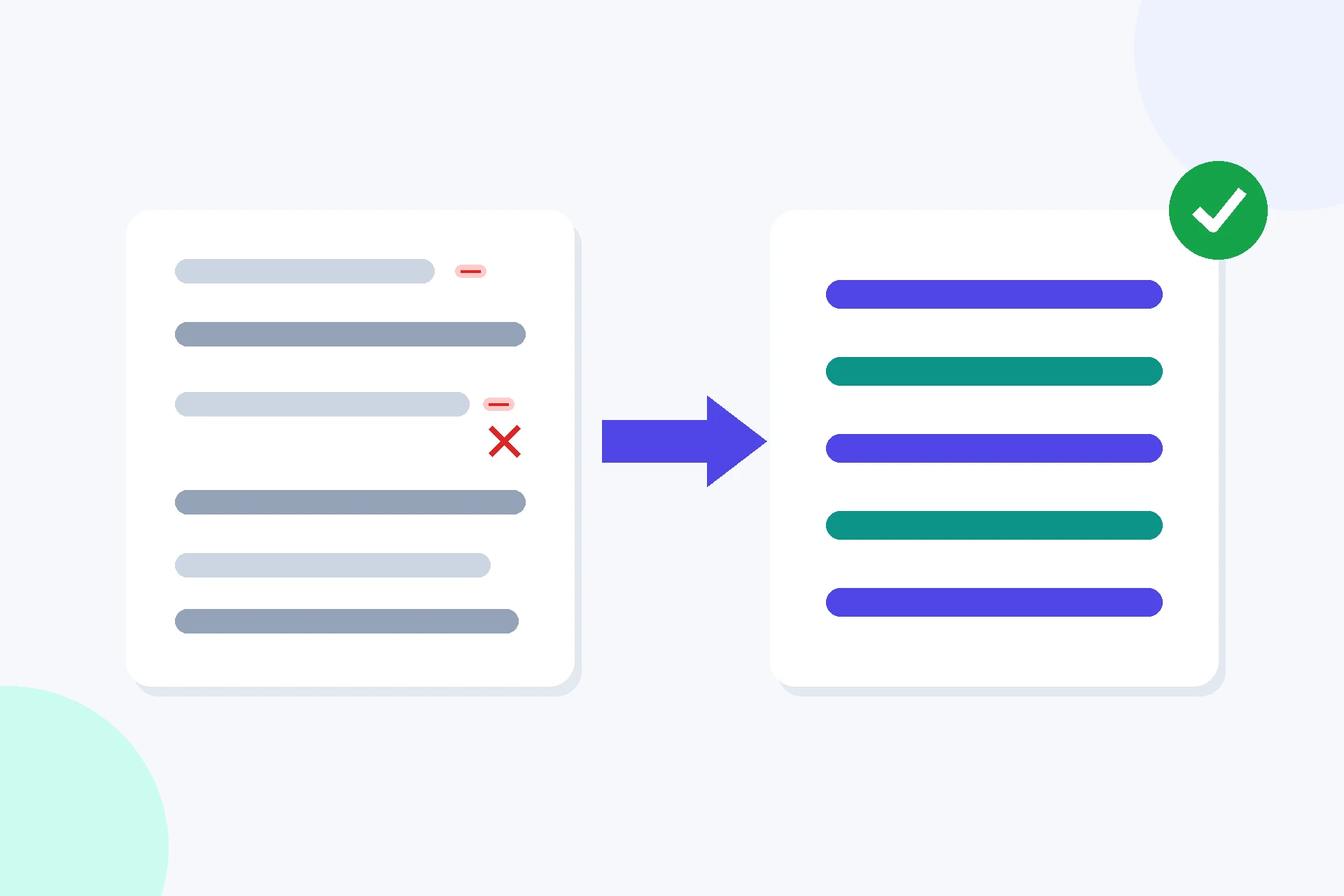
How to Use This Text Cleaner Online in 4 Steps
- Paste your text. Drop the text into the box — this text cleaner online works on anything, from a sentence to a whole document.
- Pick your options. All three options are on by default; untick any you do not need, for example if your text must keep its indentation.
- Click Clean text. The cleaned text appears with a count of what changed — characters, lines, and blank lines removed.
- Copy or download it. Use the Copy button, or save the result as a .txt file.
Text Cleaner Online: What Counts as Messy Text
The three options each fix one kind of mess. Removing extra spaces collapses every run of spaces or tabs into a single space, so "hello world" becomes "hello world" and a gap of five spaces becomes one. Removing blank lines drops lines that are empty or contain only spaces and tabs, closing up the gaps in a list. Trimming trailing whitespace removes the spaces and tabs at the end of each line, which are invisible on screen but still there in the text. The tool applies them in that order, so a line that becomes empty after trimming is still caught by the blank-line removal.
Just as important is what cleaning never does. It never changes a word, never reorders a line, and never deletes a line that has content in it — even if that line is a duplicate of another line, both copies stay, because removing duplicates is a different job entirely. Line breaks between real lines are kept, so the shape of your text survives; only the empty lines go. That is why this text cleaner online is safe to run on anything: the worst it can do is tidy the spacing, and the words always come out exactly as they went in. The characters it deals with — spaces, tabs, and line breaks — are what typographers call whitespace, described in Wikipedia's article on the whitespace character.
One detail worth knowing is that the extra-spaces option also collapses the spaces at the start of a line. That is usually what you want in pasted prose, but it means indentation does not survive cleaning — if your text is code, poetry, or anything where leading spaces carry meaning, turn that option off and let the other two do the work. The stats line tells you exactly what changed, so you can see at a glance whether the result matches what you expected before you copy it anywhere.
Text Cleaner Online vs Other Ways to Tidy Text
| Method | Needs installing | Keeps your words | Shows what changed | Best for |
|---|---|---|---|---|
| This text cleaner online | No | Yes | Yes | A paste in a minute |
| Find and replace in an editor | Yes | Yes | No | One known pattern |
| A word processor's cleanup | Yes | Yes | No | A document you already keep open |
| Fixing by hand | No | Yes | You do | A paragraph of five lines |
For text you want tidy right now, with no software to open and a clear count of what changed, this text cleaner online is the simplest choice.
Everyday Scenarios for This Text Cleaner Online
Cleaning text copied from a PDF with this text cleaner online
You copied a paragraph out of a PDF and it arrived full of double spaces and stray blank lines where the page layout broke the text apart. Paste it here, clean it, and the paragraph comes back as one smooth block of text, ready to drop into your document without a second pass.
Tidying a list before you paste it into a form
A list exported from a spreadsheet is full of blank rows, and the form you are pasting it into treats every blank line as an empty entry. Remove the blank lines first and the list goes in clean, with no phantom entries to delete one by one afterwards.
Trimming trailing whitespace before a code review with this text cleaner online
Your editor left trailing spaces at the end of half the lines, and the review tool flags every one of them as a change. Run the text through with only the trimming option on, and the diff shows your real edits instead of a page of invisible whitespace.
Common Mistakes When Using a Text Cleaner Online
The biggest mistake is cleaning text where the spacing carries meaning. In Python, indentation is part of the code, so collapsing leading spaces breaks the program. In poetry, the gaps between words are deliberate. In a table made of spaces, the columns only line up because of the extra spaces. The cleaner does exactly what you ask it to, so if the spacing matters, turn the extra-spaces option off and use only the blank-line and trimming options — or skip cleaning that text altogether.
The second mistake is expecting cleaning to fix problems it was never meant to touch. It will not correct spelling, fix grammar, or remove duplicate lines — those are different jobs, and a cleaner that tried to guess at them would risk changing text you wanted to keep. Check the stats line after cleaning: if it says nothing changed, your text was already tidy, and whatever looks wrong is a different problem.
Text Cleaner Online: Frequently Asked Questions
No. This text cleaner online only changes spacing. It never changes, reorders, or removes any of your words — it collapses extra spaces, drops blank lines, and trims trailing whitespace, and the words themselves stay exactly as you pasted them.
Removing extra spaces collapses every run of spaces or tabs into a single space. Removing blank lines drops lines that are empty or contain only whitespace. Trimming trailing whitespace removes spaces and tabs from the end of each line.
No. Cleaning changes spacing only, so if the same line appears twice, both copies stay. Removing duplicate lines is a different job, and you need a duplicate line remover for it.
Yes. The whole job runs in your browser, so even a document of tens of thousands of lines is cleaned in a moment. If the text is extremely long, give the page a second to finish before copying the result.
The extra-spaces option collapses every run of spaces and tabs, including the spaces at the start of a line. If your text needs its indentation — code, poetry, or aligned columns — turn that option off and use only the blank-line and trimming options.
In short, this text cleaner online is the fast, private way to tidy messy text — paste it in, clean the spacing, and copy the tidy result straight back into your work.