
Binary Text Converter Online
Turn words into ones and zeros — or read binary code back as plain text — free in your browser, with no app and no upload. This binary text converter online handles plain English and other languages alike, encoding every character as the UTF-8 bytes it really is.
Size
Nothing converted yet.
Type your text, then press Convert. Nothing is uploaded.
Output is UTF-8 bytes, so characters outside basic English take more than one byte — é, for example, becomes two 8-bit groups.
Why Use This Binary Text Converter Online?
Binary is the language computers actually speak: every file, message, and web page is stored as ones and zeros under the surface. Most people never need to see that layer, but students, programmers, and puzzle fans often do — a homework question asks for a word in binary, a tutorial shows a byte pattern, or a game hides a message in 0s and 1s. A binary text converter online turns readable words into those ones and zeros, and back again, so the hidden layer is only a click away.
The other half of the job is getting the encoding right. A letter is not just one pattern: in UTF-8, the encoding the web uses, plain English letters each take one byte, while letters from other languages take two, three, or four. A converter that pretends every character is one byte will quietly mangle anything outside basic English. This tool encodes real UTF-8 bytes, so é comes out as two eight-bit groups and decodes back to é, not to two strange characters.
Privacy matters here too: this binary text converter online runs entirely in your browser, so your text never leaves your device — handy when the message is part of a game, a surprise, or something you would rather keep to yourself. There is no account, no sign-in, and nothing to upload. It sits in our Converters collection for every conversion job, from a quick homework check to a full coded message.
How to Use This Binary Text Converter Online in 4 Steps
- Pick a direction. Leave Text to Binary on to encode a message, or switch to Binary to Text in this binary text converter online to decode one.
- Type or paste your input. For encoding, type plain text. For decoding, paste binary code with one space between each eight-bit group.
- Press Convert. The tool encodes or decodes every character at once and shows the result in the output box, with a plain error if the binary is not valid.
- Copy the result. Copy the binary or the text to use anywhere, and check the byte counts to see how the size changed.
Binary Text Converter Online: How Conversion Actually Works
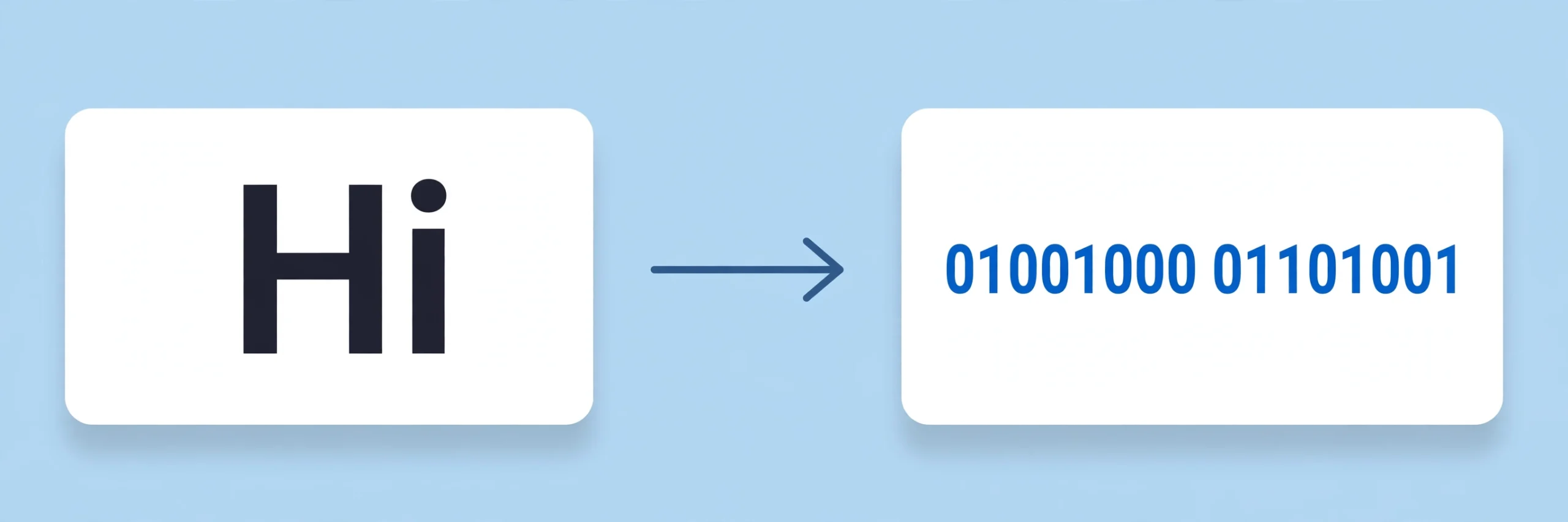
Conversion starts with bytes. The tool reads your text with the browser's built-in UTF-8 encoder, which turns every character into one or more bytes — H becomes a single byte, é becomes two. Each byte is then written as eight binary digits, with leading zeros kept in place, so the byte for H is always 01001000 and never just 1001000. This binary text converter online joins the groups with a single space, so the result is easy to read, copy, and count.
Decoding runs the same steps in reverse. The tool splits the input on its spaces, checks that every group is exactly eight digits of 0 and 1, and turns each group back into a byte. Those bytes are then read as UTF-8 text, so a two-group sequence becomes é again instead of two broken characters. If any group is the wrong length, contains a digit other than 0 or 1, or the bytes do not form valid UTF-8, the tool stops and says which group is wrong rather than guessing at an answer.
One thing the tool deliberately does not do is accept binary without spaces. Eight bits only mean something in groups, and a long run of digits with no breaks could be split in many ways — 01001000 could be one byte or two nibbles, and the tool will not guess. Paste the code with one space between groups, and every byte is clear. For the rules binary itself follows, see the Wikipedia article on binary numbers.
Binary Text Converter Online vs Other Ways to Convert Text to Binary
| Method | Needs installing | Handles other languages | Checks the binary | Best for |
|---|---|---|---|---|
| This binary text converter online | No | Yes (UTF-8) | Yes | A quick conversion in the browser |
| A printed ASCII chart | No | No | No | Learning the code slowly |
| A programming language | Yes | If you code it | If you code it | Converting text every day |
| An online converter that uploads | No | Yes | Sometimes | Nothing — it uploads your text |
For text you want in binary right now, without installing anything or uploading your words, this binary text converter online is the simplest choice.
Everyday Scenarios for This Binary Text Converter Online
Doing binary homework with this binary text converter online
A school worksheet asks for your name in binary, and you want to check your answer before handing it in. Type the name, convert it, and compare the groups digit by digit — the eight-bit spacing makes a wrong bit easy to spot, and the byte count shows you at a glance how many characters you encoded.
Reading a hidden message with a binary text converter online
A puzzle or a game gives you a string of ones and zeros, and the message is hidden in plain sight. Paste the code into Binary to Text mode, and the words appear at once — no chart, no counting, and no working out which group is which letter.
Checking how UTF-8 really works with this binary text converter online
You are learning how computers store text, and you want to see why é takes more room than e. Encode both and compare: e is one group of eight bits, é is two. The difference is UTF-8 in action, and it explains why some files are bigger than their character count suggests.
Common Mistakes When Using a Binary Text Converter Online
The biggest mistake is dropping the leading zeros. The byte for H is 01001000, not 1001000 — without the leading zero the group is only seven bits, and the tool will reject it. The same goes for pasting binary with no spaces: without breaks between groups, the tool cannot tell where one byte ends and the next begins, so always keep one space between each eight-bit group.
The second mistake is expecting every character to be one byte. In UTF-8, only plain English letters, digits, and basic punctuation fit in a single byte — everything else takes two or more, so a short word in another language can produce a long string of groups. That is not an error; it is how the encoding works, and this tool shows it honestly instead of hiding it.
Binary Text Converter Online: Frequently Asked Questions
No. This binary text converter online runs entirely in your browser. The text or binary code you paste is used only on your own device and is never uploaded, stored, or sent to a server.
Binary code is a way of writing data using only two digits, 0 and 1. Each character of text is stored as one or more bytes, and each byte is eight binary digits — the letter H, for example, is 01001000.
Because the tool encodes text as UTF-8 bytes. Plain English letters and digits each take one byte, but characters from other languages, like é or €, take two or more bytes, so they appear as two or more eight-bit groups.
Each group must be exactly eight digits of 0 and 1, separated by spaces. A group that is shorter, longer, or contains any other character is rejected, and the tool tells you which group is wrong.
Not with this tool. Without spaces, the tool cannot tell where one byte ends and the next begins, so paste the code with one space between each eight-bit group.
In short, this binary text converter online is the fast, private way to turn any text into binary code and back — type it in, convert it, and take the result away.