
Stopwatch Online
Time anything with laps and hundredths of a second, free in your browser, with no app and no upload. This stopwatch online starts with one click, keeps time from timestamps so it stays correct even in a background tab, and records every lap with its own time and total.
00:00.00
No laps yet
Press Start, or press the spacebar, to begin timing. Nothing is uploaded.
Timing is based on your device clock and browser timers, so accuracy depends on your device and browser. This is not a certified timing device — do not use it for official races or records.
Why Use This Stopwatch Online?
A stopwatch is one of the simplest tools there is, and that is exactly why people reach for one so often. Cooking a soft-boiled egg, timing a run, practising a speech, or checking how long a task really takes all come down to the same question: how much time has passed? A stopwatch online answers that question without an app to install, a download to wait for, or a physical stopwatch to find in a drawer. Open the page, press Start, and the timer is running.
Privacy is a smaller point here than with a calculator, but it still matters: this stopwatch online runs entirely in your browser. There is no account, no sign-in, and nothing to upload. Your times and your laps stay on your own device, and when you close the tab they are gone. It sits in our Time & Productivity collection for every timing job, from a two-minute egg to a two-hour study session.
Speed matters too. A phone stopwatch is fine until your phone is in another room, and a kitchen timer only does one countdown. This stopwatch online is ready the moment the page loads, with laps, hundredths of a second, and a spacebar shortcut, so you can start timing the thing in front of you instead of hunting for the timer first.
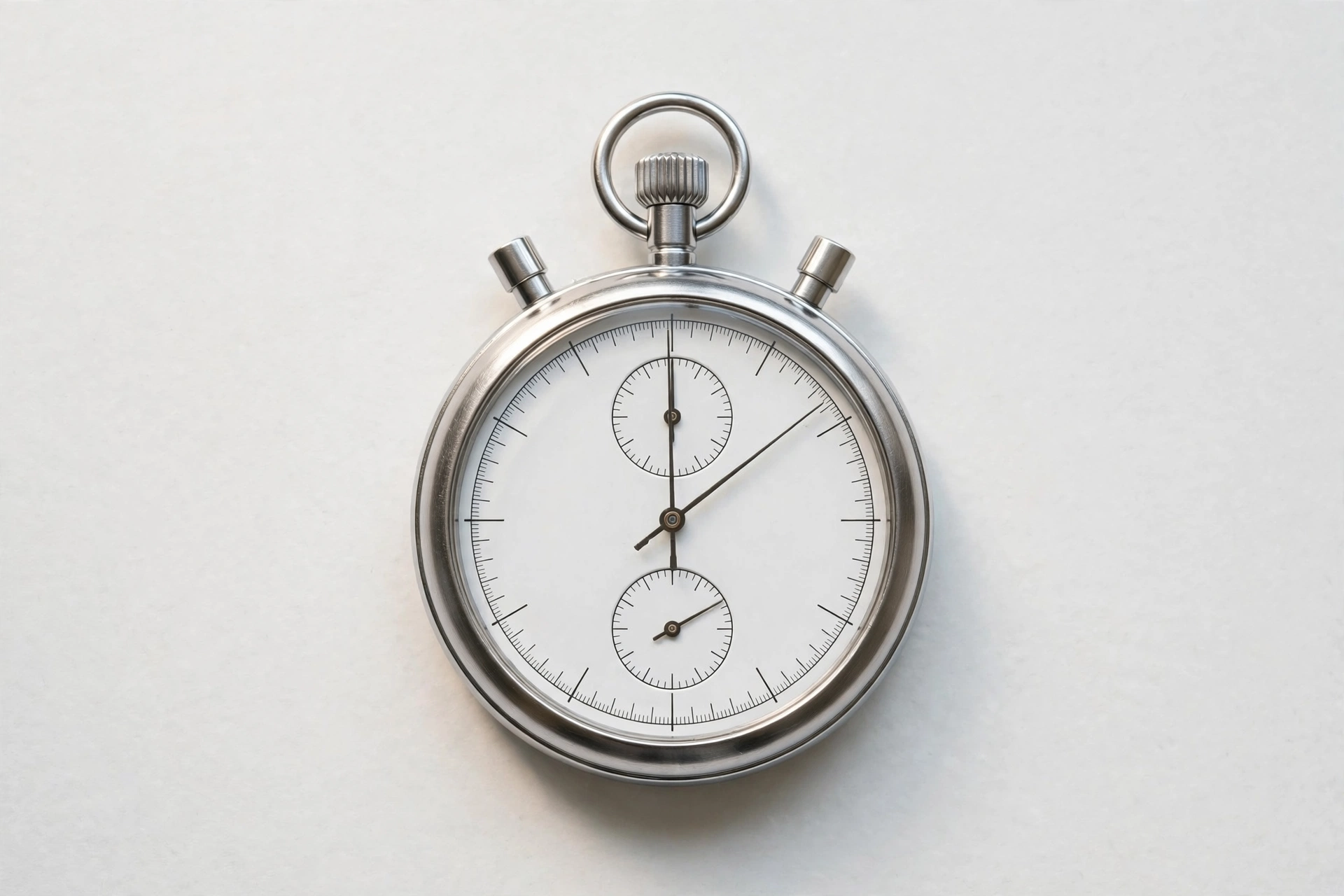
How to Use This Stopwatch Online in 4 Steps
- Press Start. Click the Start button in this stopwatch online, or press the spacebar. The timer starts at once and the display counts up in hundredths of a second.
- Press Lap to record a split. Each time you press Lap, the lap time since the previous lap and the total time since you pressed Start are added to the lap list, newest first.
- Press Pause when you are done. Pausing freezes the timer at the exact moment you press it. Press Start again to carry on from where you left off.
- Press Reset to start over. Reset stops the timer, clears the display back to zero, and empties the lap list, ready for the next timing.
Stopwatch Online: How the Timer Actually Works
Most simple timers count ticks: every tenth of a second they add a tenth of a second. That works until the browser is busy or the tab is in the background, when ticks get delayed and the timer quietly falls behind. This stopwatch online works differently. When you press Start it records a timestamp, and every time the display updates it works out the elapsed time by subtracting that timestamp from the current time. The display is only a window onto the real elapsed time, so even if the browser skips a few updates, the time shown is still right.
That is also why the timer keeps working when you switch tabs. Browsers slow down timers in background tabs to save battery, so a tick-counting stopwatch would lose time while you are away. A timestamp-based stopwatch online does not care: when you come back, it subtracts the start time from the current time and shows the correct total. The display may only refresh while the page is visible, but the elapsed time itself never stops being correct.
The display shows hundredths of a second because that is the level of detail people actually use: runners compare laps to the hundredth, cooks do not need it, and nobody needs thousandths. Hundredths are also honest about what a browser can do — the timer updates about every 10 milliseconds, and your device clock does the rest. For how official time is kept, and how precise a clock can be, see the NIST Time and Frequency Division.
Stopwatch Online vs Other Ways to Time Something
| Method | Needs installing | Laps | Best for |
|---|---|---|---|
| This stopwatch online | No | Yes | Quick timing with splits, on any device |
| A phone stopwatch app | Yes | Yes | Timing on the move |
| A kitchen timer | No | No | One countdown for cooking |
| Counting in your head | No | No | Nothing — it drifts within seconds |
For quick timing with laps and no install, the browser tool is the simplest choice — and it never keeps your times.
Everyday Scenarios for This Stopwatch Online
Timing laps at the track with this stopwatch online
You are running intervals and want to know each 400 metres separately, not just the total. Press Lap at the end of every lap and the list shows each split next to the running total, so you can see at a glance whether you are holding your pace or fading. Because the time comes from timestamps, a lap is not thrown off if the phone screen dims between splits.
Cooking with a stopwatch online
A soft-boiled egg needs six and a half minutes, pasta needs eleven, and resting meat needs ten — and they rarely start at the same moment. Start the timer when the first thing goes on, press Lap when each dish starts or finishes, and the lap list becomes a record of the whole meal. There is no app to open with wet hands, just a page and a big Start button.
Timing work and study sessions with a stopwatch online
It is easy to feel busy for an hour and hard to know how much of that hour was actual work. Start the timer when you begin a task and pause it whenever you are interrupted, and at the end of the day the total is the real time the task took, not the time you sat near it. That honest number is the whole point of timing your work.
Common Mistakes When Using a Stopwatch Online
The biggest mistake is trusting a stopwatch for something it cannot do: certify a result. A browser stopwatch is not a certified timing device, and its accuracy depends on the device and the browser, so it is fine for training and practice but not for an official race or a record attempt. If a result has to stand up to scrutiny, it needs a certified timer and an official timekeeper, not a web page.
Another mistake is reading the hundredths as more precise than they are. Two laps that differ by three hundredths may be genuinely different, or they may be the same effort measured on a busy device. Treat small differences as a guide, not a verdict, and repeat a measurement before you act on it. A single hundredth is not a training decision.
The third mistake is forgetting to stop the timer. It sounds obvious, but a stopwatch left running after the task ends gives a time for the task plus the walk back to the desk. Press Pause the moment the thing you are timing finishes, and press Lap at each split while you are still watching, not after. A timer only measures what you tell it to measure.
Stopwatch Online: Frequently Asked Questions
No. This stopwatch online runs entirely in your browser. Your times and laps are used only on your own device and are never uploaded, stored, or sent to a server.
It is accurate enough for training and everyday timing. The display shows hundredths of a second, and the elapsed time is worked out from timestamps, so it does not drift the way a simple counter can. Accuracy still depends on your device and browser, and it is not a certified timing device, so do not use it for official races or records.
Yes. This stopwatch online works out the elapsed time from timestamps, not from counting ticks, so the time is still correct when you come back to the tab, even though the display only updates while the page is visible.
Press Lap while the timer is running. Each lap records the time since the previous lap and the total time since you pressed Start, and the laps appear in a list under the timer, newest first. Reset clears the timer and the lap list.
Yes. Press the spacebar to start or pause this stopwatch online, just like pressing the Start or Pause button. The shortcut is ignored while you are typing in a text box, so it will not start the timer by accident.
In short, this stopwatch online is the fast, private way to time anything with laps and hundredths — open the page, press Start, and let the timestamps do the counting.