
Image Format Converter Online
Convert PNG, JPG, and WebP images in your browser, free, with no upload. This image format converter online keeps your pictures on your own device, converts them instantly, and lets you choose quality for smaller JPG and WebP files.
Choose images, pick an output format, then press Convert Images. Nothing is uploaded.
PNG is lossless, so converting to PNG keeps every pixel. JPG and WebP use the quality slider above: lower quality means a smaller file and a little visible loss.
Why Use This Image Format Converter Online?
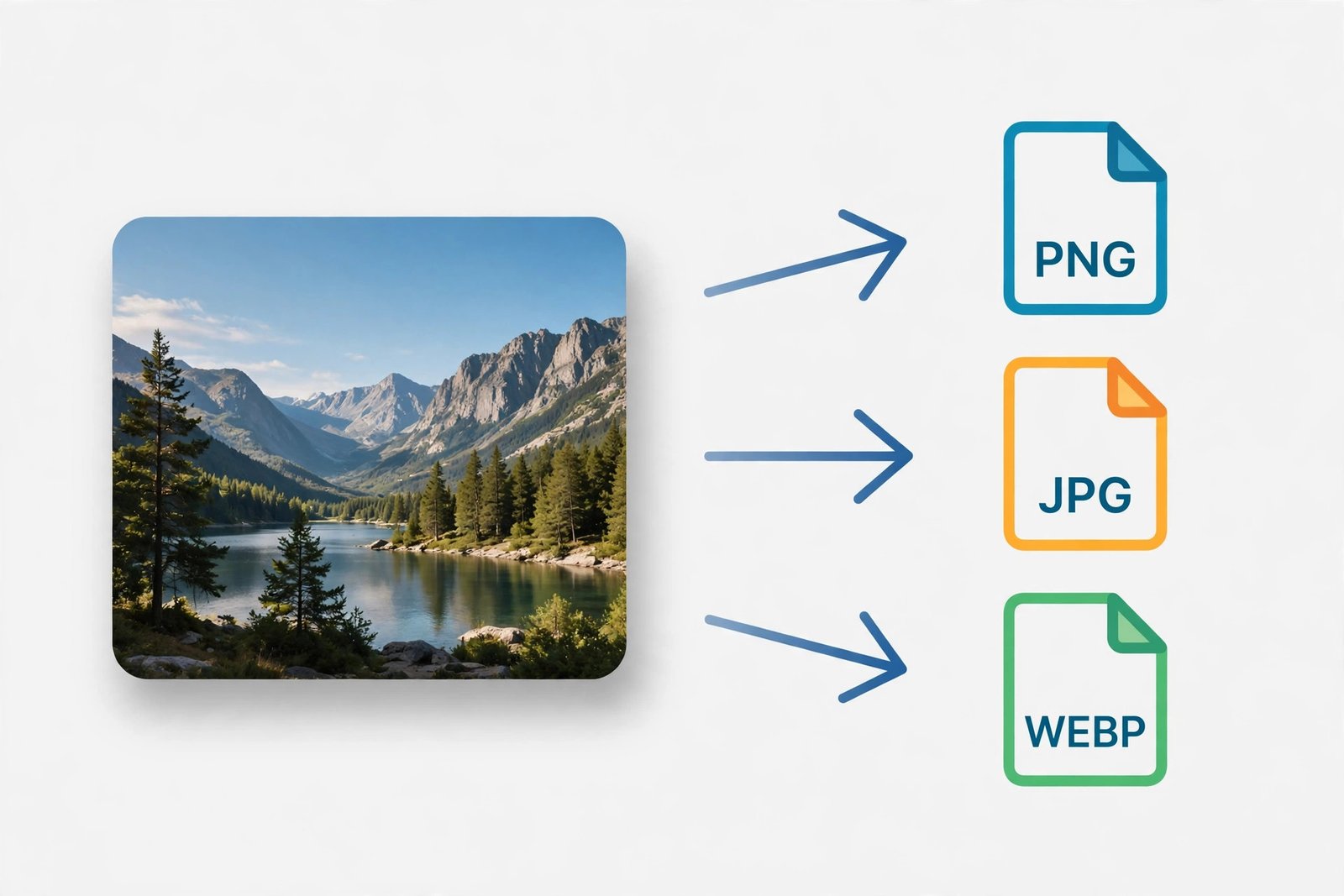
Image formats exist for different jobs, and the wrong one wastes space or breaks compatibility. PNG is perfect for screenshots, logos, and graphics with sharp edges, because it loses nothing — but photos saved as PNG can be enormous. JPG is the universal photo format, supported everywhere, but it cannot do transparency. WebP is the modern web format: often much smaller than either, with transparency and good quality, but some older tools still do not open it. An image format converter online that runs in your browser lets you move between these three in seconds, without installing software or uploading your pictures.
The privacy point matters just as much. Photos can be personal — family pictures, ID documents, screenshots with private details, work graphics you have not published yet. Uploading them to a random converter site means trusting a stranger's server with your images. This image format converter online does the whole job on your own device, using your browser's own image tools. Your pictures never leave this tab, nothing is stored, and closing the tab ends the job. That is the same promise every Toollan tool makes, and it is why this converter pairs so well with our image tools — see the full Image Tools collection for resizing, cropping, and compressing as well.
Speed is the third reason. There is no queue, no waiting for a server, and no download link that expires. You pick your images, pick a format, and get converted files straight away, even on a slow connection, because nothing travels over the internet at all. Whether you are preparing images for a website, a social post, a school project, or a document, this image format converter online removes the format problem in under a minute.
How to Use This Image Format Converter Online in 4 Steps
- Choose your images. Select one image, or several at once, in PNG, JPG, or WebP format.
- Pick the output format. Choose PNG for lossless quality, JPG for wide compatibility, or WebP for the smallest web-ready files.
- Set the quality if needed. For JPG and WebP, use the slider: 90% is a good balance, higher keeps more detail, lower makes smaller files. PNG ignores the slider because it is lossless.
- Convert and download. Press Convert Images. Each converted image gets its own download link, with its new size shown next to the original.
Image Format Converter Online: Choosing the Right Format
Choosing a format is easier when you know what each one is for. PNG stores every pixel exactly, supports transparency, and is best for logos, icons, screenshots, and graphics with text or sharp lines. Its downside is size: a detailed photo saved as PNG can be many times larger than the same photo as JPG. JPG throws away a little detail the eye rarely notices, which makes photos dramatically smaller, and it works everywhere — but it has no transparency, so logos with clear backgrounds will get a white or black box instead.
WebP is the best of both for the web in most cases: it supports transparency like PNG, compresses photos like JPG, and often beats both on file size at the same visual quality. Its only real downside is compatibility with very old software. So a simple rule works well: use PNG for graphics you must keep perfect, JPG for photos you must share anywhere, and WebP for images going on a website where loading speed matters. This image format converter online lets you try all three from the same original and compare the sizes before you decide.
Image Format Converter Online vs Other Ways to Convert Images
| Method | Upload needed | Best for |
|---|---|---|
| This image format converter online | No | Fast, private PNG / JPG / WebP conversion |
| Upload-based converter | Yes | Rare formats, at the cost of privacy |
| Desktop photo software | No | Editing plus conversion, but needs installing |
| Phone gallery export | No | One photo at a time, limited format choice |
For everyday conversion, the browser method is the simplest: no install, no account, no upload, and batch conversion in one go. To learn more about the WebP format itself, see Google's WebP documentation.
Everyday Scenarios for This Image Format Converter Online
Making a website load faster
Your site's photos are PNG files, each several megabytes. Convert them to WebP at 85–90% quality with this image format converter online, and the same pages can load in a fraction of the time, which visitors and search engines both notice.
Preparing a photo for sharing
A friend or a form needs a JPG, but your screenshot is a PNG. Convert it in seconds, check the size, and send the JPG version that opens everywhere.
Fixing a logo with transparency
A logo saved as JPG has a white box around it. If you have the original with transparency, convert it to PNG or WebP instead, and the background stays clear on any coloured page.
Common Mistakes When Converting Images
The biggest mistake is converting the same image back and forth between lossy formats. Every JPG or WebP save throws away a little detail, and those losses add up. Always convert from the best original you have — the camera file, the design export, or a PNG master — rather than from an already-compressed JPG. If you only have a JPG, convert it once to the format you need and stop there; converting it back to JPG again later will only lose more detail for no benefit.
Another mistake is using PNG for everything because it is lossless. Lossless is wonderful for graphics, but for a photograph it can mean a file ten times larger than necessary, with no visible benefit on screen. Match the format to the picture: PNG for graphics, JPG or WebP for photos. And always check the converted file before you delete the original. Open it, look at it at full size, and confirm the colours, transparency, and sharpness are what you expected. This image format converter online shows you the new size for every file, so you can spot a surprising result before it matters.
Image Format Converter Online: Frequently Asked Questions
No. This image format converter online runs entirely in your browser. Your images are converted on your own device and are never uploaded, stored, or sent to a server.
PNG, JPG (JPEG), and WebP. You can convert any of these into any other, one image at a time or in a batch, depending on what your browser supports.
Converting to PNG keeps every pixel exactly, because PNG is lossless. Converting to JPG or WebP uses the quality slider: higher quality keeps more detail and a larger file, lower quality makes a smaller file with some visible loss.
Yes. Select several images at once and convert them all to the same output format. Each converted image downloads separately, so you can keep the ones you need.
WebP usually gives a much smaller file than PNG or JPG at similar visual quality, which makes web pages load faster. Use JPG for photos you need to share widely, and WebP for images on a website.
In short, this image format converter online is the fast, private way to get any picture into the format you actually need — PNG for perfection, JPG for compatibility, WebP for speed — without uploading a single image.