
JSON Schema Validator Online
Check whether a JSON document really matches its schema — and find out exactly which value breaks the rules — free in your browser, with no app and no upload. This json schema validator online lists every error with its path, so the fix is obvious.
Result
Nothing validated yet.
Paste a JSON document and a JSON Schema, then press Validate JSON. Nothing is uploaded.
Covers the common JSON Schema keywords only, not the full JSON Schema specification.
Why Use This JSON Schema Validator Online?
JSON is everywhere: API responses, config files, saved data, and test fixtures. A schema is the contract that says what that JSON should look like — which fields are required, what type each value should be, and which values are allowed. When the data breaks the contract, the API call fails, the import stops, or the app behaves strangely, and the cause is often one wrong value buried deep in the document. A json schema validator online checks the whole document against the schema at once and names every break, so you stop guessing.
The other half of the job is the error list itself. A plain "invalid" tells you nothing; a list that says "$.age: expected an integer but got a string" tells you exactly what to fix and where it lives. This tool reports each error with its path in the document, so a missing required field, a number below the minimum, or a string that does not match the pattern is easy to find, even in a document hundreds of lines long.
Privacy matters here too: this json schema validator online runs entirely in your browser, so your data never leaves your device — handy when the document holds user records, tokens, or settings that are not yours to share. There is no account, no sign-in, and nothing to upload. It sits in our Developer Tools collection for every data job, from a quick API check to a full import review.
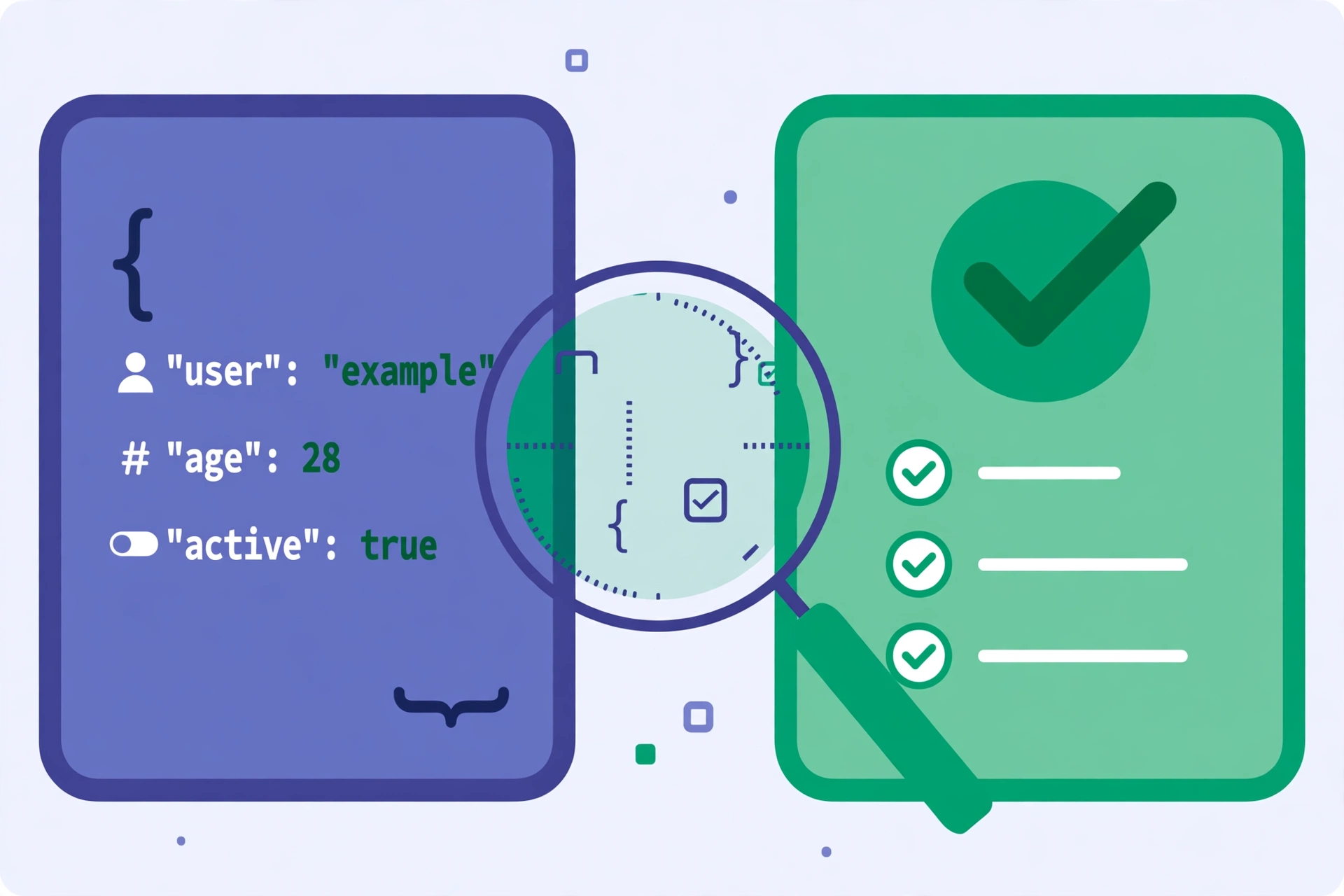
How to Use This JSON Schema Validator Online in 4 Steps
- Paste your JSON document. Copy the data you want to check into the first box in this json schema validator online — a whole response, or just the part you want to test.
- Paste your JSON Schema. Copy the schema into the second box, or press Load example to see a working pair first.
- Press Validate JSON. The tool parses both boxes, then checks the document against the schema keyword by keyword.
- Read the result. A valid document gets a clear pass message. An invalid one gets a list of errors, each with its path, which you can copy with one click.
JSON Schema Validator Online: How Validation Actually Works
Validation starts with parsing. Both boxes must be valid JSON, so the tool parses the document and the schema first, and if either one fails, it shows the parser's message instead of a validation result. Once both parse, the validator walks the document and the schema together: for each value it checks the keywords that apply to it, and every failure is added to the error list with the path of the value that failed. This json schema validator online checks the whole document, not just the first error, so you see all the problems in one pass.
The keywords it covers are the ones most schemas use. For objects it checks type, required, properties, and additionalProperties; for arrays it checks items, minItems, and maxItems; for numbers it checks minimum, maximum, and multipleOf; for strings it checks minLength, maxLength, and pattern; and for any value it checks enum and const. Nested objects and arrays are checked recursively, so an error deep inside an address or a list of tags still gets its full path. This json schema validator online also understands local $ref links inside the schema, so definitions can be reused.
What the tool does not do is cover the whole JSON Schema specification — newer or rarer keywords, remote $ref links, and format assertions are out of scope, and format is checked only when the schema asks for a pattern. A document can pass here and still fail a stricter validator, so treat the result as a strong check, not a certificate. For the full specification and the keyword list, see Understanding JSON Schema.
JSON Schema Validator Online vs Other Ways to Check JSON
| Method | Needs installing | Checks against a schema | Lists error paths | Best for |
|---|---|---|---|---|
| This json schema validator online | No | Yes | Yes | A quick check in the browser |
| A code editor | Yes | With a plugin | Sometimes | Validating while you work |
| An online validator that uploads | No | Yes | Yes | Nothing — it uploads your data |
| Reading the JSON by eye | No | No | No | Tiny snippets only |
For a document you want checked right now, without installing anything or uploading your data, this tool is the simplest choice.
Everyday Scenarios for This JSON Schema Validator Online
Checking an API response with this json schema validator online
Your app expects a user object with a name, an email, and an age, but the API started sending the age as a string. Paste the response and the schema in, validate, and the error list names the exact field — you can show the API team the path and the message instead of describing the bug in words.
Reviewing an import file with a json schema validator online
A customer sent a JSON file to import, and the import failed halfway through. Validate the file against your import schema first: missing required fields, extra keys, and out-of-range numbers all show up in one list, so you can send the file back with a clear list of fixes.
Testing a schema before you ship it with this json schema validator online
You wrote a new schema for your own API and want to be sure it accepts good data and rejects bad data. Paste a good example and a bad example in turn and watch the results: the good one should pass cleanly, and the bad one should fail on exactly the rule you meant to write. Either way, the answer comes back in seconds.
Common Mistakes When Using a JSON Schema Validator Online
The biggest mistake is pasting the schema into the document box, or the document into the schema box. The two boxes look the same, and swapping them gives confusing errors — usually a parse error, or a long list of failures that make no sense. Check which box holds which file before you press Validate, and use the Load example button to see the right way round.
The second mistake is treating a pass as a guarantee. This tool covers the common keywords, not the full specification, so a document can pass here and still break a stricter system that checks format, remote references, or rarer keywords. The third mistake is forgetting that JSON itself must be valid first: a missing comma or an unclosed brace is a parse error, not a validation error, and no schema can be checked until the JSON parses.
JSON Schema Validator Online: Frequently Asked Questions
No. This json schema validator online runs entirely in your browser. The JSON document and the schema you paste are used only on your own device and are never uploaded, stored, or sent to a server.
A JSON Schema is a JSON document that describes what another JSON document should look like: which fields it must have, what type each value should be, and which values are allowed. It is a contract for your data, written in JSON itself.
It checks the common keywords: type, required, properties, additionalProperties, items, minimum and maximum, minLength and maxLength, pattern, enum, and more. It covers the keywords most schemas use, not the full JSON Schema specification.
If the document or the schema is not valid JSON, the tool says so and shows the parser's message. If both parse, it lists every validation error with its path, so you can find the bad value and fix it.
It copies the validation result — either the valid message or the full list of errors with their paths — so you can paste it into a ticket, a chat message, or your notes.
In short, this json schema validator online is the fast, private way to check any JSON against its schema — paste both in, validate, and take the answer away.