
Open Graph Tag Preview Online
Paste your page's head section or fill in a few fields, and see exactly how your link will look when someone shares it — the image, the title, the description, and the domain underneath. This open graph tag preview online also checks which og: tags you have and which are missing, all in your browser, with no upload and no sign-up.
Paste your HTML or fill in the fields, then press Preview.
This tool only reads what you paste or type — it never fetches a page from the internet, so it cannot check a live URL. The preview is an approximation: each network crops images and trims text a little differently.
Why Use This Open Graph Tag Preview Online?
When someone shares a link on Facebook, X, LinkedIn, or in a chat app, the platform reads the Open Graph tags in the page's head section and builds a card from them — an image, a title, a short description, and the site name. If those tags are missing or wrong, the share shows a blank box, the wrong photo, or a title cut off mid-word. An open graph tag preview online shows you that card before anyone shares the link, so you can fix the tags first.
The other half of the job is the checklist. A page can have a perfect title tag and still be missing og:image, which means shares show no photo at all — the single most common Open Graph mistake. The checklist on this page reads the tags you pasted and marks each of the six most important ones as found or missing, so nothing slips through.
Privacy matters here too: this open graph tag preview online runs entirely in your browser, so the HTML you paste never leaves your device. There is no account, no sign-in, and nothing to upload. It sits in our Developer Tools collection for every page-setup job, from a quick tag check before you share a new post to a full review of a page that keeps sharing badly.
How to Use This Open Graph Tag Preview Online in 4 Steps
- Paste or type. Paste your page's head section into this open graph tag preview online, or switch to the fields mode and type the title, description, image URL, and site URL by hand.
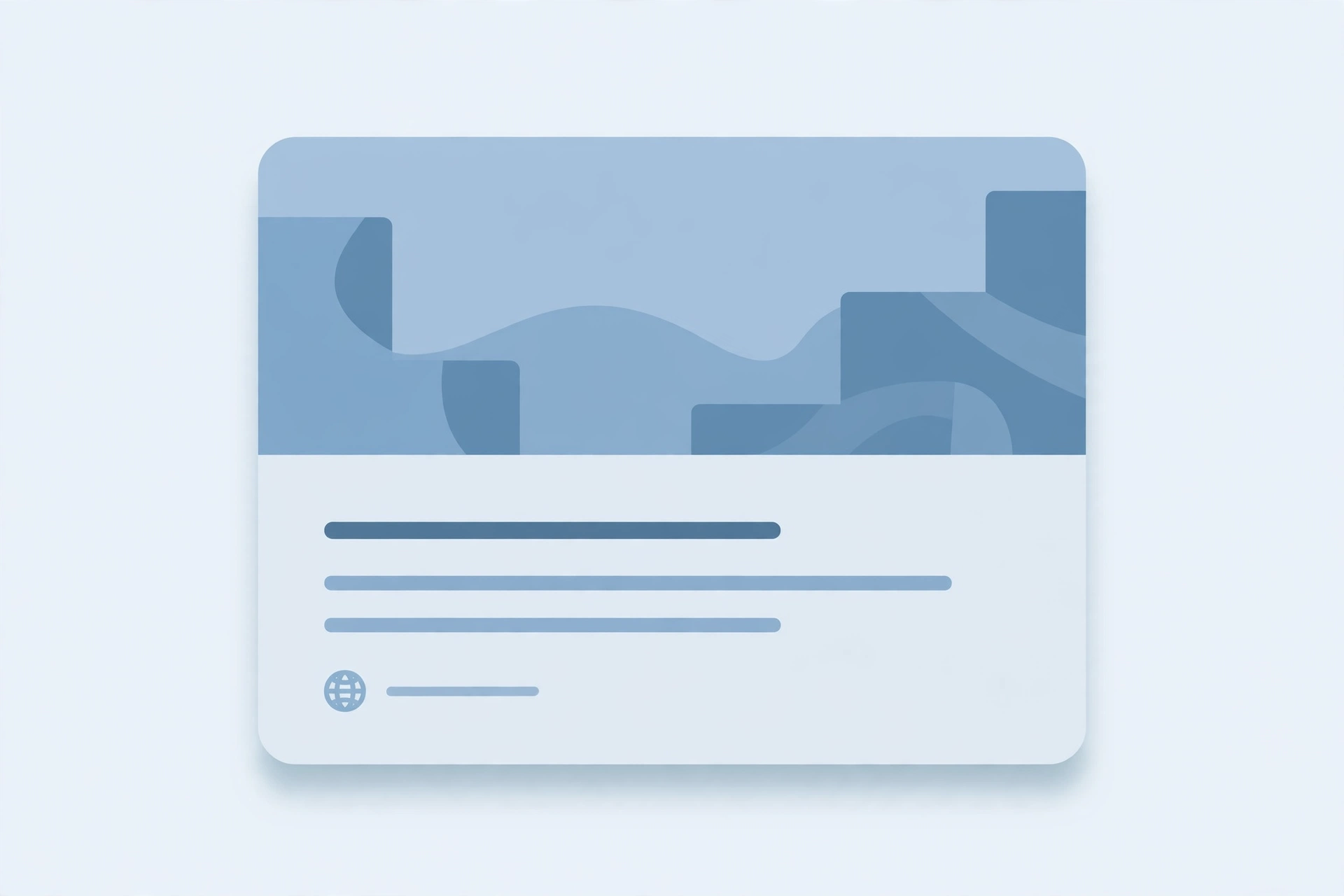
- Press Preview. The tool reads the tags and builds the share card exactly as a social network would show it, with the image on top, the title and description below, and the domain underneath.
- Read the checklist. Each of the six key tags — og:title, og:description, og:image, og:url, og:type, and twitter:card — is marked found or missing, with the value shown for the ones that were found.
- Fix and re-check. Update the missing or wrong tags on your page, paste the head section again, and preview once more until the card looks right.
Open Graph Tag Preview Online: How the Preview Actually Works
This open graph tag preview online starts by reading the text you pasted, line by line, looking for meta tags with a property or name attribute. When it finds one it knows — og:title, og:description, og:image, og:url, og:type, or twitter:card — it takes the content attribute as the value. Tags it does not recognise are ignored, so a long head section with dozens of other tags still works fine.
The card is then built from those values in the same order a social network uses: the image across the top, the title under it, the description below the title, and the domain at the bottom. If the image URL is missing, the card shows a plain placeholder box instead of a photo, which is roughly what a share looks like without og:image. If the image URL is there but the picture fails to load, the preview swaps it for the same placeholder rather than showing a broken image icon.
One thing the tool deliberately does not do is fetch a page from a URL. It only parses what you paste or type, so it cannot check a live site, and it cannot see tags that a page builds with JavaScript after loading. For the full list of tags and what each one means, see the Open Graph protocol — the open standard every major platform reads.
Open Graph Tag Preview Online vs Other Ways to Check OG Tags
| Method | Fetches your URL | Shows a share card | Checks all six tags | Needs an account | Best for |
|---|---|---|---|---|---|
| This open graph tag preview online | No — parses pasted text | Yes | Yes | No | A quick check before sharing |
| Facebook Sharing Debugger | Yes | Yes | Partly | Yes | Clearing Facebook's cached card |
| X Card validator | Yes | Yes | Partly | Yes | Checking how X renders the card |
| Viewing page source by hand | No | No | Only if you read carefully | No | Finding one tag you already know |
For a check you want right now, without signing in anywhere or letting a tool fetch your page, this open graph tag preview online is the simplest choice.
Everyday Scenarios for This Open Graph Tag Preview Online
Checking a new page with this open graph tag preview online
You have just published a new page and are about to share it. Paste the head section in, press Preview, and you will see the card before your followers do.
Fixing a missing image with an open graph tag preview online
Shares of your page show a grey box instead of a photo. The checklist will tell you in seconds whether og:image is missing or whether the image URL itself is the problem.
Testing tags before a launch with this open graph tag preview online
A product page or an announcement goes live on a set day, and the first share is the one that matters. Use the fields mode to try different titles and descriptions, see how each one looks in the card, and pick the version that reads best — then put those exact words into the page's tags.
Common Mistakes When Using an Open Graph Tag Preview Online
The biggest mistake is pasting a URL and expecting a preview. This tool never fetches pages, so a bare link gives it nothing to read — paste the head section of the page, or use the fields mode to type the values in by hand.
The second mistake is trusting the preview as an exact match. Each platform crops images and trims titles a little differently, and platforms cache cards, so a share posted right after a tag fix can still show the old card for hours.
Open Graph Tag Preview Online: Frequently Asked Questions
No. This open graph tag preview online only reads the text you paste or type — it never fetches a URL, so it cannot check a live page. Paste the head section of your page into the tool, or fill in the fields by hand.
Six tags: og:title, og:description, og:image, og:url, og:type, and twitter:card. Those are the ones that decide what a share card shows on most platforms. Other Open Graph tags are ignored by the checklist, but they do not affect the preview.
Either og:image is missing, or the image URL does not load. The preview shows a plain placeholder box instead of a broken image icon in both cases. Check that the URL starts with https://, that it points to an image file, and that the image is publicly reachable.
Most platforms recommend 1200 by 630 pixels for the share image, which fills the card without heavy cropping. Smaller images still work, but they can look blurry or leave empty space, and very tall images get cropped at the top and bottom.
Not pixel for pixel. Each platform crops the image and trims the title and description a little differently, and platforms cache cards, so a fresh share can still show an old card for hours. The preview catches missing tags and bad wording before you share — the platform itself has the final say.
In short, this open graph tag preview online is the fast, private way to see your share card before anyone else does — paste your tags, check the card, and fix what is missing.