
The best AI tools for job seekers work in stages, because a job search does. Kickresume builds and tailors the resume, Jobscan checks it against the job description the way an applicant tracking system would, Yoodli rehearses the interview with an AI coach, and Teal keeps every application, deadline, and follow-up in one tracker.
This guide picks one best tool per stage, with the actual price of each plan — every figure below comes from the vendor’s own pricing page, checked in November 2026, except Jobscan, whose pricing page sits behind a browser check (its prices below come from Jobscan’s own promos and tutorial pages, confirmed by several independent sources in October and November 2026). It also includes the warning most listicles skip: used badly, these tools make your applications worse, not better.

The Job Search, Stage by Stage (Where AI Actually Helps)
A job search has four stages, and AI helps at each one in a different way. The mistake is buying one tool and expecting it to cover all four — or buying four tools and using none of them properly. Here is the stack of the best AI tools for job seekers that this guide recommends:
| Stage | Best tool | Plan to start with | Price (as of November 2026) |
|---|---|---|---|
| Resume building + tailoring | Kickresume | Yearly | $8 a month billed annually ($96 a year) |
| ATS check | Jobscan | Quarterly | $89.95 every 3 months (about $29.98 a month) |
| Interview prep | Yoodli | Pro | $8 a month billed annually ($96 a year) |
| Application tracking | Teal | Free | $0 — unlimited job tracking on the free plan |
For a three-month search, that stack costs about $282: Kickresume yearly at $96, one Jobscan quarter at $89.95, Yoodli Pro at $96 a year, and Teal free. You can also spend nothing at all — every tool here has a free plan that covers the basics — and add paid plans only for the stages where you are stuck.
Best AI Resume Builders and Tailoring Tools
Kickresume — best for building a tailored resume fast
Kickresume is a resume builder with AI writing built in: pick a template, fill in your experience, and its AI drafts bullet points and summaries in the tone of a finished resume. The useful part is not the drafting — it is the tailoring. For each job, you can adjust the resume to the role, keep several versions side by side, and export a clean PDF that an applicant tracking system can read. It also builds cover letters and a simple personal website from the same details.
Pricing (as of November 2026): the free plan costs $0 and includes 4 basic resume templates. Monthly costs $24 a month. Quarterly costs $18 a month ($54 every 3 months) and is the plan Kickresume marks most popular. Yearly costs $8 a month ($96 every 12 months). Paid plans include 40+ resume templates, the AI writer, and priority support, with a 14-day money-back guarantee.
What to watch: the yearly plan is the only one that makes sense for a real search. Monthly billing at $24 costs $288 over a year, against $96 on the yearly plan — a $192 difference for the same features. And keep the resume to one page unless you have ten or more years of experience: paste your draft into an online word counter as you edit, and cut until every bullet earns its line. A resume that says less, clearly, beats a long one that says everything twice.
Best ATS Checkers (and What a Match Score Really Means)
Jobscan — best for checking your resume against a job description
Most large employers filter applications with an applicant tracking system (ATS) before a human sees them. Jobscan compares your resume against a specific job description and gives you a match score, then shows you which keywords, skills, and phrases are missing. It also checks formatting problems that trip up ATS software — tables, graphics, and unusual fonts that a parser cannot read — and its Power Edit feature rewrites bullets to match the posting.
Pricing (as of November 2026): the free plan costs $0 and includes 5 resume scans a month. Premium costs $49.95 a month on monthly billing, or $89.95 every 3 months on quarterly billing (about $29.98 a month). The quarterly plan comes with a 7-day free trial; the monthly plan does not. There is no annual plan. Over three months, monthly billing costs $149.85 against $89.95 quarterly — the quarterly plan saves $59.90.
What a match score really means: Jobscan’s score is Jobscan’s own diagnostic, not a result from Workday, Taleo, or any real ATS. No tool can tell you your exact score in an employer’s system, because every employer configures its system differently. Use the score as a checklist — missing keywords, unreadable formatting, a skills gap — not as a grade. A resume that scores 90 and says nothing specific about your work will still lose to a resume that scores 70 and shows real results.

Best AI Interview Prep Tools
Yoodli — best for rehearsing interviews out loud
Reading interview answers and saying them are different skills, and Yoodli is built for the second one. It runs live AI roleplays: the AI asks you interview questions, you answer out loud, and it gives you feedback on your delivery — pacing, filler words, rambling answers — as well as your content. You can also upload recordings of real calls and get the same feedback on those. It covers job interviews, public speaking, and pitch practice in the same app.
Pricing (as of November 2026): the Starter plan is free and includes 5 lifetime roleplay sessions. Pro costs $8 a month billed annually and includes up to 10 roleplays a week, live AI roleplays, feedback on uploaded recordings, and access to the user community. Advanced costs $20 a month billed annually and includes unlimited roleplays. A roleplay is any practice session over 30 seconds.
What to watch: five free sessions go fast — one practice interview can use two or three. Start with the free plan to learn the format, then move to Pro when interviews are actually booked. And rehearse the questions for the specific role, not generic ones: prepare answers about your own projects, with real numbers and real outcomes, because that is what interviewers probe. Our guide to using AI to prep for client calls covers the same prepare-out-loud habit from the meeting side.
Best Tools for Tracking Applications
Teal — best for keeping the whole search in one place
Teal is a job tracker with a resume builder attached. Its core is a board where each application is a card: the job, the company, the stage (applied, interview, offer), your notes, and your follow-ups. A browser extension saves jobs from listing sites in one click, and the resume builder includes keyword matching against the job description, so you can tailor and track without switching apps. For a search with twenty or thirty live applications, the tracker is the tool that stops things slipping.
Pricing (as of November 2026): the free plan costs $0 forever and includes unlimited job tracking, 10 resume templates, 5 AI resume-bullet credits, 2 professional-summary credits, and 2 cover-letter credits. Teal+ costs $13 every 7 days, $29 every 30 days, or $79 every 90 days, and unlocks unlimited resumes, unlimited templates, unlimited keyword matching, and unlimited AI credits.
What to watch: the weekly plan is the expensive way to buy Teal+. At $13 every 7 days, a 30-day stretch costs about $55.71, against $29 on the 30-day plan — nearly double for the same features. Use the weekly plan only for a short burst, such as one intense week of applications. And note that the free plan already includes unlimited tracking, so pay only if you need the unlimited resume and AI features.
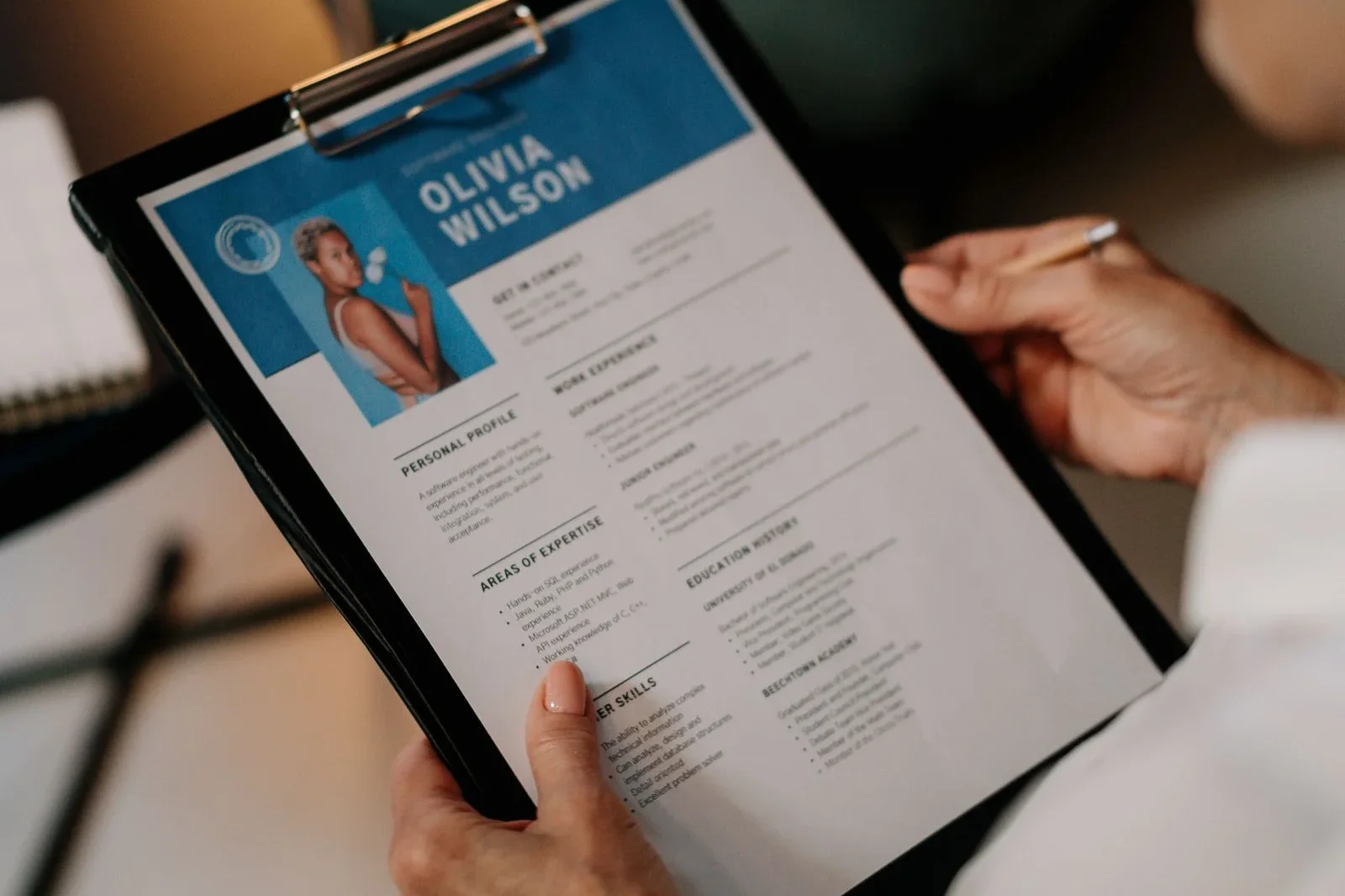
The Honest Warning: Generic AI Applications Hurt You
Every one of the best AI tools for job seekers in this guide can make your applications better — and every one of them can make them worse. The failure mode is the same each time: you let the AI write, you paste the output unchanged, and you send an application that reads like every other AI-written application for the same role. Recruiters read dozens of them a day, and they can spot the pattern: the same smooth phrases, the same structure, no specific detail that could only come from you.
The fix is simple, and it is the same for every stage. Use the AI for the first draft, then rewrite it in your own words, with your own details: the project you actually shipped, the number that actually changed, the problem you actually solved. Keep the keyword matching — that part is mechanical and the tools do it well — but make the sentences yours. One tailored application that sounds like a real person beats ten polished ones that sound like each other.
A practical habit: before you submit anything, paste the job description and your resume text into a text cleaner to strip the formatting junk that copied text carries — double spaces, broken line breaks, smart quotes — then read the clean version once, out loud, before you send it. If a sentence sounds like nobody would ever say it, rewrite it. If you write for a living, the same discipline applies to client work: our guide to AI tools for freelance writers makes the same point about drafts and checking.

Best AI Tools for Job Seekers: Frequently Asked Questions
What is the best AI tool for job seekers?
It depends on the stage. Kickresume is the best pick for building and tailoring a resume, Jobscan for checking it against a job description, Yoodli for rehearsing interviews, and Teal for tracking applications. If you can only pay for one, pick the stage where you are stuck — most job seekers lose the most time at the resume stage.
Are AI job search tools free?
All four tools in this guide have free plans. Kickresume’s free plan includes 4 resume templates, Jobscan’s gives you 5 scans a month, Yoodli’s includes 5 lifetime roleplays, and Teal’s free plan includes unlimited job tracking. The free plans cover a short search; a search lasting months will usually need at least one paid plan.
How much do AI job search tools cost in total?
For a three-month search, the stack in this guide costs about $282: Kickresume yearly at $96, one Jobscan quarter at $89.95, Yoodli Pro at $96 a year, and Teal free. All prices were checked on the vendors’ pricing pages in November 2026, except Jobscan, whose prices come from its own promos and tutorial pages.
Can AI write my whole resume and cover letter?
It can draft them, but you should not send the draft unchanged. AI writes smooth, generic text — and recruiters see hundreds of applications that read the same way. Use the AI for structure and keywords, then rewrite the details in your own words, with your own projects and results. The tools in this guide are strongest as editors, not authors.