
Barcode Generator Online
Create a scannable barcode for a product, a label, or your own inventory — free in your browser, with no app and no upload. This barcode generator online draws Code 128, EAN-13, and Code 39 barcodes from the text you type, and lets you download them as PNG or SVG.
Your barcode
Type a code and pick a format, then press Generate Barcode. Nothing is uploaded.
Generated barcodes suit labels and small inventory jobs. Always verify the EAN-13 check digit and test-scan a barcode before printing it in bulk.
Why Use This Barcode Generator Online?
A barcode turns a number into something a scanner can read in a fraction of a second, and that is why shops, warehouses, and libraries run on them. Typing a product code by hand is slow and invites typos; scanning it is instant and exact. A barcode generator online gives you that same speed for your own labels, stock, or price tags, without buying label software or a printer that only works with one system.
Labels are the everyday use. A small shop needs a barcode on every product, a home library wants one on every book spine, and a market stall needs price tags that scan at the till. All of those jobs need the same thing: a clean, correctly drawn barcode that any scanner can read, saved in a format a printer can use.
Privacy and cost matter here too: this barcode generator online runs entirely in your browser, so the codes you make never leave your device, and there is no account, no sign-in, and nothing to pay for. It sits in our Text Utilities collection for every labelling job, from a single price tag to a whole shelf of stock.
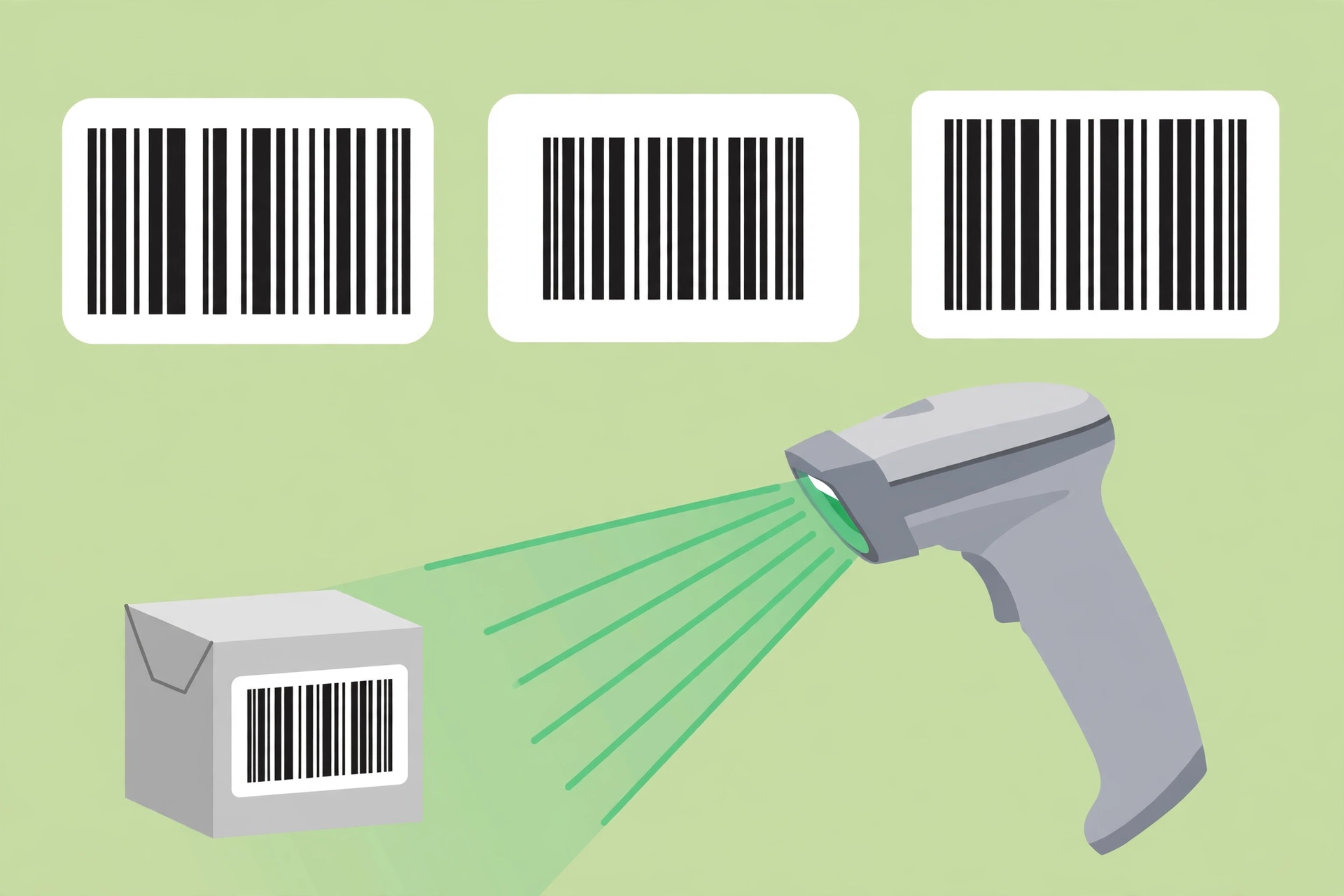
How to Use This Barcode Generator Online in 4 Steps
- Type the code. Enter the text or number for your barcode in this barcode generator online — for EAN-13, type 12 digits and the check digit is added for you.
- Pick a format. Choose Code 128 for general use, EAN-13 for retail products, or Code 39 for simple labels and inventory.
- Press Generate. The barcode appears at once, with its check digit shown for EAN-13.
- Download it. Save the barcode as a PNG for documents and labels, or as an SVG for print, where it stays sharp at any size.
Barcode Generator Online: How Barcodes Actually Work
A barcode is a set of bars and spaces of different widths, and the pattern of those widths is the number. Code 128 uses three bar widths and can store letters, numbers, and symbols, which is why it is the general-purpose choice. EAN-13 uses a fixed 13 digits with a check digit at the end, and Code 39 uses wide and narrow bars for a smaller set of characters. This barcode generator online draws each format with the exact widths its standard requires, so any scanner can read the result.
The check digit is the clever part of EAN-13. It is worked out from the other 12 digits, and a scanner checks it every time it reads the code — if a digit was misprinted or misread, the check digit will not match and the scanner rejects the code instead of recording a wrong number. That is why EAN-13 is trusted at checkouts: a damaged label fails loudly instead of charging you for the wrong item. This barcode generator online computes the check digit for you when you enter 12 digits, and verifies it when you enter all 13.
The PNG download is a picture of the barcode at print size, good for documents, labels, and web pages. The SVG download is a vector drawing, so it stays perfectly sharp at any size and is the better choice for professional printing. For the rules behind retail barcodes, including which numbers belong to which country, see the GS1 barcode standards.
Barcode Generator Online vs Other Ways to Get a Barcode
| Method | Needs installing | Formats | Download PNG/SVG | Best for |
|---|---|---|---|---|
| This barcode generator online | No | Code 128, EAN-13, Code 39 | Yes | A quick barcode for labels |
| Label printing software | Yes | Many | Yes | Printing hundreds of labels |
| A barcode font | Yes | One per font | No | Barcodes inside documents |
| Ordering printed labels | No | Depends on supplier | No | Large runs of identical labels |
For a barcode you need today, in a format you can print yourself, this barcode generator online is the simplest choice.
Everyday Scenarios for This Barcode Generator Online
Labelling products for a small shop with this barcode generator online
You sell handmade soap at a market and the till needs a barcode on every bar. Generate one EAN-13 code per product, download the PNG files, and print them onto labels with your product name underneath. Each scan at the till is then instant, and your stock count stays accurate.
Numbering books on a home shelf with a barcode generator online
Your home library has grown past the point where you remember what you own. Give each book a Code 39 number, print a small label for the inside cover, and scan books in and out with a cheap USB scanner. You will know at a glance which books are lent out and to whom.
Making asset tags for office equipment with this barcode generator online
The office has thirty laptops and nobody knows which one belongs to whom. Generate a Code 128 label for each machine with its asset number, stick it on the base, and the next stock check takes minutes instead of an afternoon. Test-scan one label first — a barcode that will not scan is worse than no label at all, and this barcode generator online shows you the code before you print it.
Common Mistakes When Using a Barcode Generator Online
The biggest mistake is printing a barcode too small. Scanners need bars of a minimum width, and a barcode shrunk to fit a tiny label can become unreadable even though it looks fine. Print at a sensible size — at least a few centimetres wide for EAN-13 — and test-scan the printed label before you print a hundred of them. A barcode generator online draws the bars at the right widths, but it cannot fix a printout that is too small.
The second mistake is using the wrong format. EAN-13 is for retail products and must be 13 digits; a shop till will reject anything else. Code 39 cannot store lower-case letters, so a code with small letters will fail outright. The third mistake is printing on glossy paper in bright light — the glare can blind the scanner, so use matt labels where you can.
Barcode Generator Online: Frequently Asked Questions
No. This barcode generator online runs entirely in your browser. The text you type is used only on your own device and is never uploaded, stored, or sent to a server.
It is a final digit worked out from the other 12 digits, and a scanner checks it on every read. Type 12 digits and this tool adds the check digit for you; type all 13 and it tells you whether the check digit is right.
Use Code 128 for general labels, because it stores letters and numbers and scanners read it well. Use EAN-13 only for retail products that need a 13-digit code. Use Code 39 for simple inventory labels with capital letters and numbers.
Yes. Download the PNG for everyday labels and documents, or the SVG for professional printing, where it stays sharp at any size. Always test-scan one printed label before you print a whole batch.
The usual reasons are printing too small, low contrast, or glare on glossy paper. Print larger, use black bars on a white background, and use matt labels. If the code itself is wrong — for example lower-case letters in Code 39 — the tool will tell you before it draws anything.
In short, this barcode generator online is the fast, private way to make a scannable barcode — Code 128, EAN-13, or Code 39 — and download it ready to print.