
CSS Minifier Online
Shrink a stylesheet without changing what it does — free in your browser, with no app and no upload. This css minifier online strips comments and extra whitespace from your CSS, shows how many bytes you saved, and gives you a clean .min.css file to copy or download.
Size saved
Nothing minified yet.
Paste your CSS, then press Minify CSS. Nothing is uploaded.
Test minified CSS before deploying it. Minifying removes comments and whitespace only — it does not change what the CSS does.
Why Use This CSS Minifier Online?
A stylesheet is mostly air. Comments, blank lines, and spaces around every bracket make CSS easy for a person to read, but a browser does not need any of them — it only needs the rules. Stripping that air out makes the file smaller, and a smaller file downloads faster, which matters on a slow connection or a phone. A css minifier online does that stripping in one click, so the file your visitors download is the smallest it can be without changing a single rule.
Speed is the real prize. A stylesheet is one of the first things a browser downloads, and a page cannot paint properly until it arrives, so every kilobyte you cut is time saved before your visitor sees anything. For a small site the saving may be a few kilobytes; for a large stylesheet it can be tens of kilobytes, and it costs nothing — the minified file works exactly like the original.
Privacy matters here too: this css minifier online runs entirely in your browser, so your stylesheet never leaves your device — handy when the CSS belongs to a client or a project under wraps. There is no account, no sign-in, and nothing to upload. It sits in our Developer Tools collection for every front-end job, from a quick tidy-up to a production build.
How to Use This CSS Minifier Online in 4 Steps
- Paste your CSS. Copy your stylesheet into the input box in this css minifier online — a whole file, or just the part you want to shrink.
- Press Minify. The tool strips comments and unnecessary whitespace and shows the result at once.
- Check the saving. The page shows the size before and after, and the percentage saved, so you can see exactly what the minifier did.
- Copy or download. Copy the minified CSS to paste into your project, or download it as a .min.css file.
CSS Minifier Online: How Minifying Actually Works
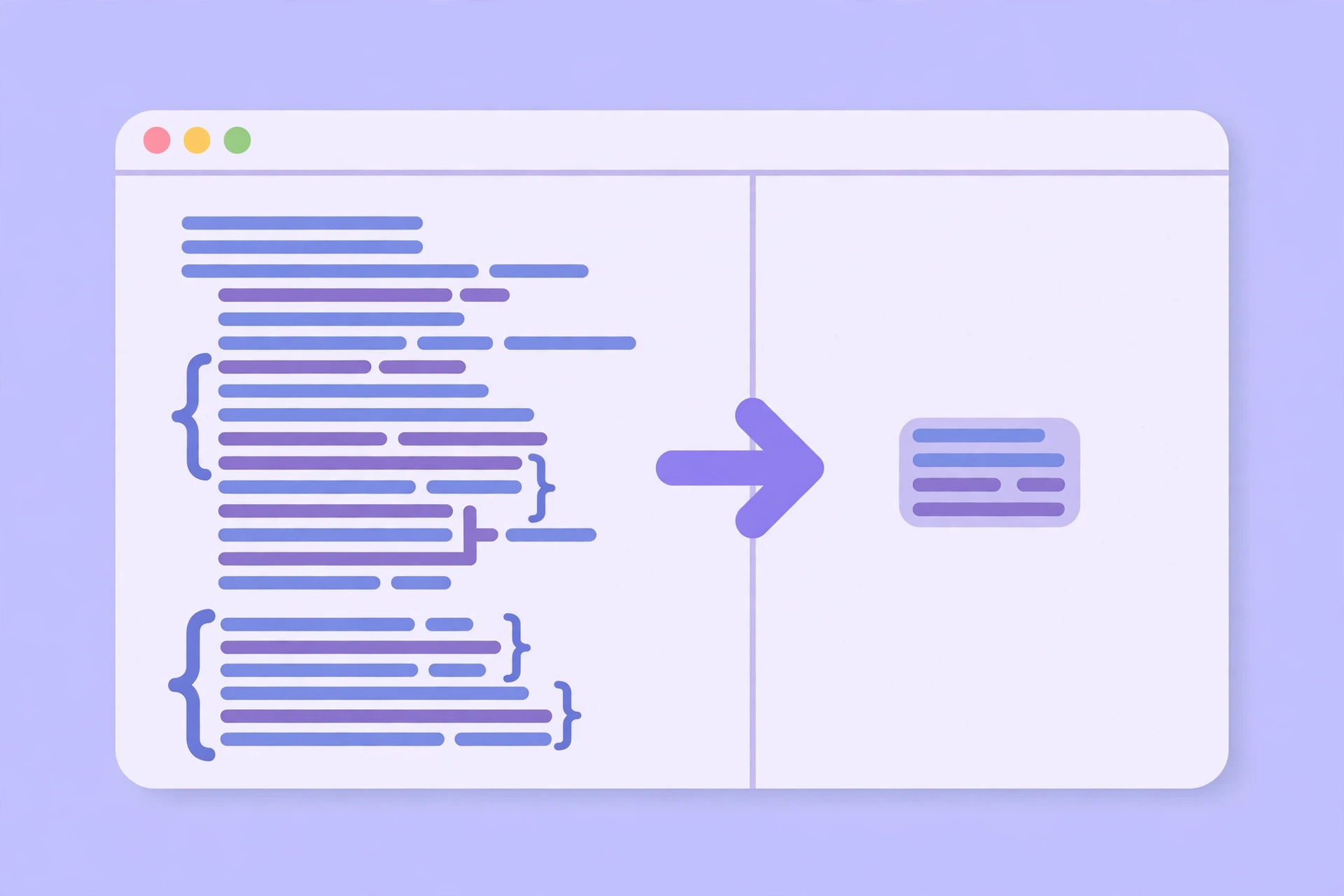
Minifying is mostly a matter of removing what a browser ignores. Comments between /* and */ are notes for people, so they go. Spaces, tabs, and line breaks between rules are layout for people, so most of them go too. Spaces around brackets, colons, and semicolons are dropped, and the last semicolon before a closing bracket is removed, because the bracket already ends the rule. This css minifier online applies those steps in order, and the result is valid CSS that does exactly what the original did.
The tricky part is knowing what not to remove. Text inside quotes must stay exactly as it is — a space inside content: "hello world" is part of the page, not padding — and so must the contents of url(...), where a space can be part of a file name. A careless minifier that strips spaces everywhere will break those. This css minifier online protects quoted strings and url(...) contents first, and only then removes the whitespace around them, so your content and your images survive the minify untouched.
The saving depends on how the original was written. A neatly formatted stylesheet with long comments can shrink by a third or more; a file that is already compact may only lose a few percent. Either way, the result is safe to use wherever the original was used. For the CSS rules themselves — selectors, properties, and values — see the MDN CSS reference.
CSS Minifier Online vs Other Ways to Shrink CSS
| Method | Needs installing | Protects strings | Shows saving | Best for |
|---|---|---|---|---|
| This css minifier online | No | Yes | Yes | A quick minify in the browser |
| A build tool | Yes | Yes | Sometimes | Minifying on every deploy |
| An online minifier that uploads | No | Varies | Sometimes | Nothing — it uploads your code |
| Editing by hand | No | Yes | No | Tiny fixes, not whole files |
For a stylesheet you want smaller right now, without installing anything or uploading your code, this css minifier online is the simplest choice.
Everyday Scenarios for This CSS Minifier Online
Shrinking a stylesheet before launch with this css minifier online
Your site is ready to go live and the stylesheet is 80 kilobytes of nicely formatted CSS. Paste it in, minify it, and download the .min.css file — the page loads faster from the first visit, and you keep the readable original for editing.
Cleaning up CSS copied from a tutorial with a css minifier online
A tutorial stylesheet comes with long comments explaining every rule, which is useful while you learn and dead weight once the code works. Minify it to strip the comments and the extra spacing, and the file is ready to drop into your project without the lesson attached.
Checking how much smaller a file can get with this css minifier online
You are deciding whether minifying is worth adding to your build step. Paste your largest stylesheet in and read the percentage saved: if it is a third smaller, the build step pays for itself; if it is barely smaller, your CSS was already tight and you can skip it. Either way, this css minifier online gives you the answer in seconds.
Common Mistakes When Using a CSS Minifier Online
The biggest mistake is deploying minified CSS without testing it. Minifying should not change what the CSS does, but a minifier that mishandles a quoted string or a url(...) can break a background image or a piece of text. Always test the minified file on a staging copy of your site before it goes live — a css minifier online that protects strings, like this one, makes that risk small, but it never makes it zero.
The second mistake is throwing away the original. A minified file is for the browser, not for people — editing it by hand is miserable, because it is one long line. Keep the readable stylesheet as your source, and minify a fresh copy whenever it changes. The third mistake is expecting minifying to fix slow CSS: it makes the file smaller, but it cannot fix a rule that is slow by design, like a huge background image or an expensive animation.
CSS Minifier Online: Frequently Asked Questions
No. This css minifier online runs entirely in your browser. The CSS you paste is used only on your own device and is never uploaded, stored, or sent to a server.
No, if the minifier is careful. This tool only removes comments and unnecessary whitespace, and it protects quoted strings and url(...) contents, so the rules mean exactly what they meant before. Test the result on a staging copy before deploying, to be sure.
It depends on the original. A well-commented, neatly formatted stylesheet can shrink by 30% or more, while a file that is already compact may only lose a few percent. The tool shows the size before and after, so you can see the exact saving.
No. Keep your readable stylesheet as the source and edit that, then minify a fresh copy. A minified file is one long line and is very hard to read or change by hand.
It contains the same minified CSS shown in the output box, saved as a file with a .min.css extension, ready to upload to your site or link from your HTML.
In short, this css minifier online is the fast, private way to make any stylesheet smaller — paste it in, minify it, and take the .min.css file away.