
Morse Code Translator Online
Turn words into dots and dashes — or read Morse code back into plain text — and hear it played as beeps, free in your browser, with no app and no upload. This morse code translator online handles letters, numbers, and punctuation in both directions.
Type your text, then press Translate. Nothing is uploaded.
Audio needs sound on and the tab open while it plays. Characters with no Morse code are skipped and listed in the note above.
Why Use This Morse Code Translator Online?
Morse code is older than the telephone, and it still turns up everywhere: in films and games, in puzzles and treasure hunts, in amateur radio, and in the SOS signal everyone recognises. Learning it by heart takes weeks, but most people only need one message translated — a name, a short phrase, or a code they found somewhere. A morse code translator online does that in seconds, turning plain words into dots and dashes, or reading a string of dots and dashes back into words you can read.
The other half of the job is hearing it. Morse code was made to be heard, not read, and a string of dots on a screen does not tell you what the rhythm sounds like. This tool plays the translation as beeps in your browser, with a short beep for a dot and a beep three times as long for a dash, so you can hear the message the way it was meant to be sent.
Privacy matters here too: this morse code translator online runs entirely in your browser, so your text never leaves your device — handy when the message is part of a game, a surprise, or something you would rather keep to yourself. There is no account, no sign-in, and nothing to upload. It sits in our Converters collection for every conversion job, from a quick SOS to a full coded message.
How to Use This Morse Code Translator Online in 4 Steps
- Pick a direction. Leave Text to Morse on to encode a message, or switch to Morse to Text in this morse code translator online to decode one.
- Type or paste your message. For encoding, type plain text. For decoding, paste Morse code with one space between letters and a slash between words.
- Press Translate. The tool converts every character at once and shows the result in the output box, with a note if anything was skipped.
- Copy it, or play it. Copy the result to use anywhere, or press Play audio to hear the Morse code as beeps.
Morse Code Translator Online: How Translation Actually Works
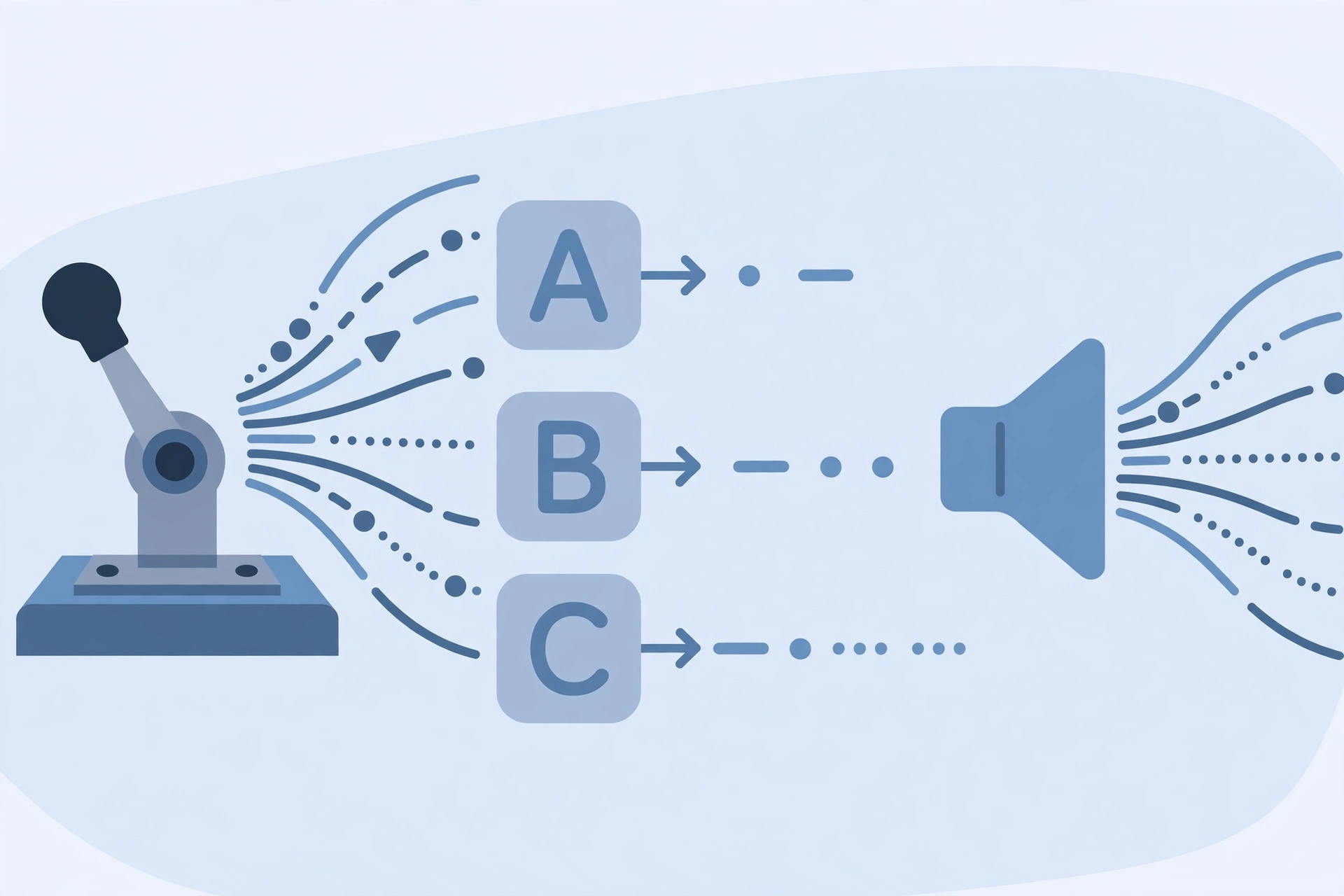
Translation starts with a table. Every letter, digit, and supported punctuation mark has a fixed pattern of dots and dashes: A is dot-dash, B is dash-dot-dot-dot, 1 is dot-dash-dash-dash-dash, and a full stop is dot-dash-dot-dash-dot-dash. The translator looks up each character in turn and joins the patterns with a single space between letters and a slash between words, so the result is easy to read and to copy. This morse code translator online works the same way in reverse, splitting the code on its spaces and slashes and matching each group back to its character.
The timing follows the standard rules. A dot lasts one unit, a dash lasts three units, the gap between the dots and dashes of one letter is one unit, the gap between letters is three units, and the gap between words is seven units. The audio player uses those exact gaps, so the beeps you hear are the real rhythm of the message, not an approximation. A unit here is 80 milliseconds, which keeps the message clear without dragging.
What the tool does not do is invent codes for characters it does not know. Letters with accents, emoji, and other symbols have no standard Morse pattern, so they are skipped and listed in the note under the result instead of being silently dropped. A Morse group that matches no character is shown as a question mark, so you can spot a mistyped pattern. For the full history and the standard code table, see the Wikipedia article on Morse code.
Morse Code Translator Online vs Other Ways to Learn Morse
| Method | Needs installing | Translates both ways | Plays audio | Best for |
|---|---|---|---|---|
| This morse code translator online | No | Yes | Yes | A quick translation in the browser |
| A printed code chart | No | Yes, by hand | No | Learning the code slowly |
| A Morse practice app | Yes | Sometimes | Yes | Training every day |
| An online translator that uploads | No | Yes | Sometimes | Nothing — it uploads your message |
For a message you want translated right now, without installing anything or uploading your text, this morse code translator online is the simplest choice.
Everyday Scenarios for This Morse Code Translator Online
Sending a secret message with this morse code translator online
You want to hide a short message in a birthday card or a game. Type the words in, copy the dots and dashes, and the message is unreadable to anyone who does not know the code — but anyone with this page can decode it in seconds.
Decoding a code from a film or a puzzle with a morse code translator online
A puzzle gives you a string of dots and dashes, or a film flashes one on screen. Paste it into Morse to Text mode, and the hidden word appears at once — no chart, no counting, and no guessing at which pattern is which letter.
Learning the sound of Morse with this morse code translator online
You are curious what SOS actually sounds like, or you want to learn the rhythm before a radio exam. Type a word, press Play audio, and hear the real timing — dot, dash, and the gaps between them — as many times as you like.
Common Mistakes When Using a Morse Code Translator Online
The biggest mistake is pasting Morse code without spaces. Dots and dashes only mean something in groups, and without a space between letters the translator cannot tell where one letter ends and the next begins — "...." could be H, or four E's. Always put one space between letters and a slash between words when you decode.
The second mistake is expecting accented letters and emoji to translate. Morse code was designed for plain English letters, digits, and a small set of punctuation, so anything else is skipped and noted. The third mistake is reading the code letter by letter from a chart and getting the spacing wrong: a dash is three times as long as a dot, and the gap between letters is three units, so timing matters as much as the pattern.
Morse Code Translator Online: Frequently Asked Questions
No. This morse code translator online runs entirely in your browser. The text or Morse code you paste is used only on your own device and is never uploaded, stored, or sent to a server.
Morse code is a way of writing letters and numbers as short and long signals — dots and dashes. Each letter has its own pattern: A is dot-dash, B is dash-dot-dot-dot, and the famous SOS is dot-dot-dot, dash-dash-dash, dot-dot-dot.
It translates the letters A to Z, the digits 0 to 9, and common punctuation: full stop, comma, question mark, apostrophe, exclamation mark, slash, brackets, ampersand, colon, semicolon, equals, plus, hyphen, underscore, quotation mark, dollar sign, and at sign. Any other character is skipped and listed in the note under the result.
Switch to Morse to Text mode, paste the code with one space between letters and a slash between words, and press Translate. Each group of dots and dashes is matched to its letter, and any group that matches nothing is shown as a question mark.
The sound is made in your browser, so your device sound must be on and the tab must stay open while it plays. The audio starts only when you press the button, and some browsers block sound until you have clicked on the page at least once.
In short, this morse code translator online is the fast, private way to turn any message into Morse code and back — type it in, translate it, and take the result away.