
Sitemap XML Generator Online
Paste a list of page addresses and get a valid XML sitemap file, ready to upload to your site — free in your browser, with no app and no upload. This sitemap xml generator online adds the change frequency, priority, and last-modified date you choose, then gives you clean sitemap code to copy or download.
Paste your URLs above and press Generate sitemap. Nothing is uploaded.
This tool builds the file only — it does not upload your sitemap or submit it to any search engine. The sitemap protocol allows at most 50,000 URLs and 50 MB in one file; if your list is bigger, split it into several files and list them in a sitemap index file.
Why Use This Sitemap XML Generator Online?
A sitemap is a single XML file that lists every page on your site you want search engines to find. Search engines read it to discover pages they might otherwise miss — new pages, pages buried deep in your site, and pages with few links pointing to them. Without one, a search engine can only find pages by following links, so a page nobody links to may never be indexed at all. A sitemap xml generator online builds that file for you, so you only supply the list of addresses.
The format is strict, and that is where most hand-written sitemaps go wrong. Every address must be a full absolute URL, special characters such as & must be escaped, and the file must open and close with the right tags. One unescaped & or one relative link can make the whole file invalid, and a search engine will simply ignore it. This sitemap xml generator online checks each line, escapes the characters that need escaping, and drops duplicates, so the file you download is valid from the start.
Privacy matters here too: the generator runs entirely in your browser, so the addresses you paste never leave your device. There is no account, no sign-in, and nothing to upload. It sits in our Developer Tools collection for every site-setup job, from a first sitemap for a new site to a fresh file after a redesign.
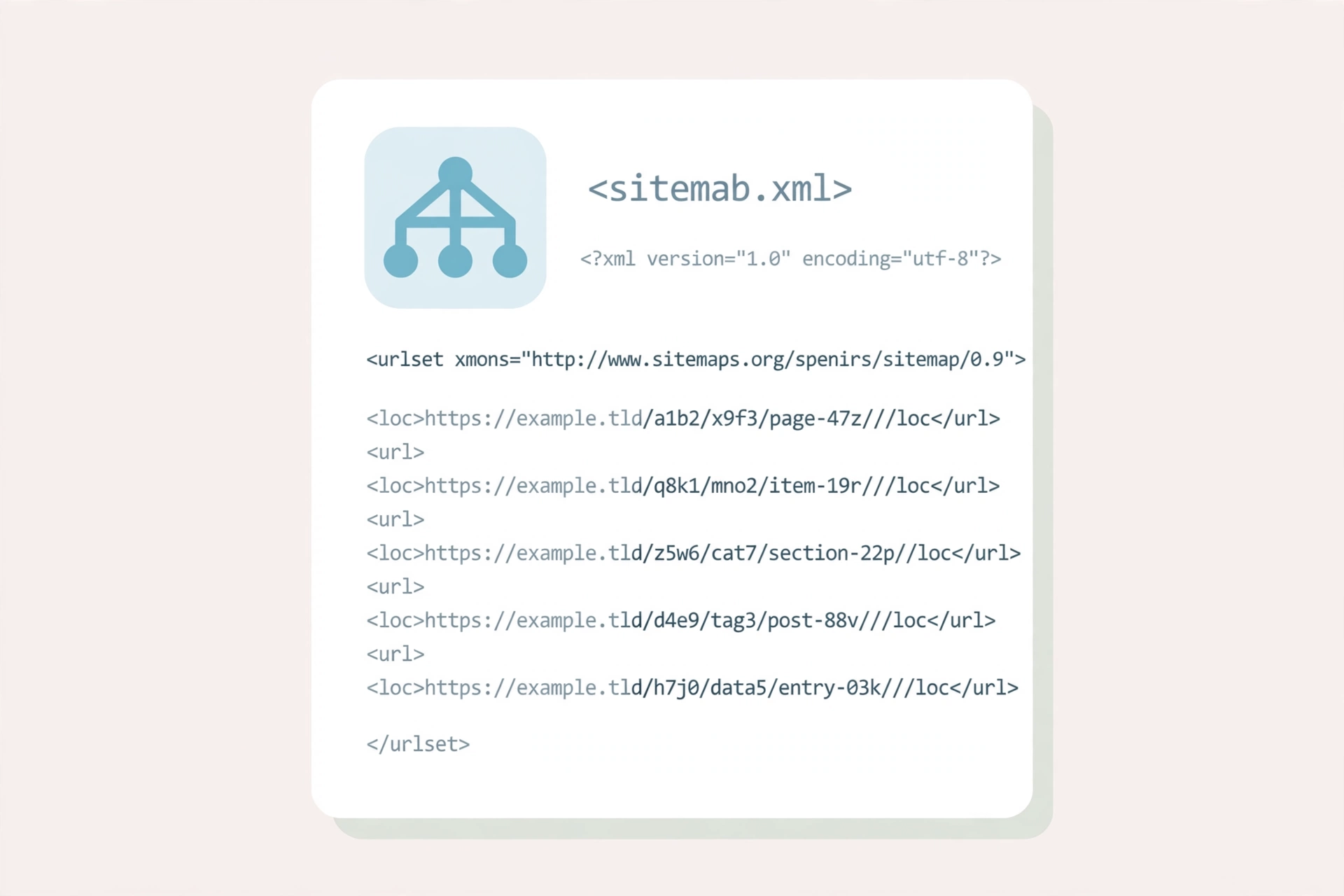
How to Use This Sitemap XML Generator Online in 4 Steps
- Paste your URLs. Put your page addresses into this sitemap xml generator online, one per line — copy them from a spreadsheet, a list, or your own notes.
- Set the options. Choose a change frequency and a priority to apply to every URL, and a last-modified date if you want one. Leave any of them on None to leave that tag out of the file.
- Press Generate sitemap. The tool checks every line, drops duplicates, and builds the XML. Any line that is not a valid absolute address is listed by line number so you can fix it.
- Copy or download. Copy the XML to paste into a file, or download it as sitemap.xml and upload it to the root of your site.
Sitemap XML Generator Online: How Generation Actually Works
Generation starts with your list. This sitemap xml generator online reads the textarea line by line, skips blank lines, and checks that every remaining line is a valid absolute http or https address. Lines that fail the check are reported by line number instead of being silently dropped, so you always know which addresses need fixing. Exact duplicates are removed, and the tool tells you how many it dropped.
Each surviving address becomes one url entry in the file: the address itself in a loc tag, then the last-modified date, change frequency, and priority you chose — but only the tags you actually set. A field left on None is left out entirely, so the file has no empty tags and no made-up values. Special characters in addresses are escaped to their XML forms, so an & in a query string becomes & and the file stays valid.
One thing the tool deliberately does not do is submit the file anywhere. It builds the sitemap; it does not upload it to your site or send it to a search engine. Download the file, put it at the root of your site, and submit it yourself — or list it in your robots.txt file. For the full rules behind the format, see the sitemap protocol.
Sitemap XML Generator Online vs Other Ways to Build a Sitemap
| Method | Needs installing | Checks each URL | Handles duplicates | Best for |
|---|---|---|---|---|
| This sitemap xml generator online | No | Yes | Yes | A quick sitemap from a list |
| Writing XML by hand | No | No | If you notice | One or two pages |
| A full SEO plugin | Yes | Yes | Yes | Managing a whole site |
| A crawler that scans your site | Sometimes | Yes | Yes | A large site you cannot list by hand |
For a sitemap you want built right now, from a list you already have, without installing anything or uploading your addresses, this sitemap xml generator online is the simplest choice.
Everyday Scenarios for This Sitemap XML Generator Online
Launching a new site with this sitemap xml generator online
Your site has just gone live and search engines have not found it yet. List every page address, generate the file, upload it to the root of your site, and submit it in Search Console — the fastest way to tell search engines the site exists and which pages to crawl first.
Rebuilding a sitemap after a redesign with a sitemap xml generator online
A redesign changes addresses, and an old sitemap pointing at pages that no longer exist only confuses search engines. Paste the new list of addresses, generate a fresh file, and replace the old one — the old addresses are gone, and every entry points at a live page.
Splitting a huge site into several files with this sitemap xml generator online
A site with more than 50,000 pages cannot fit in a single sitemap file, because the protocol caps each file at 50,000 URLs and 50 MB. Split the list into chunks, generate one file per chunk, and list them all in a sitemap index file — the generator tells you plainly when a list passes the cap.
Common Mistakes When Using a Sitemap XML Generator Online
The biggest mistake is putting relative addresses in the file. A sitemap entry must be a full absolute URL, starting with https:// — a bare /about/ or a domain without a scheme is not valid, and a search engine will reject the entry. Always paste complete addresses, and check the line numbers the generator reports if any fail.
The second mistake is listing pages you do not want indexed. Redirects, error pages, and private pages do not belong in a sitemap — every entry is a page you are asking search engines to crawl. Clean the list before you generate, and leave out anything a visitor should not land on from search.
Sitemap XML Generator Online: Frequently Asked Questions
No. This sitemap xml generator online runs entirely in your browser. The addresses you paste are used only on your own device and are never uploaded, stored, or sent to a server.
One entry per page, each with the page address and, if you set them, the date it last changed, how often it changes, and how important it is compared with your other pages.
No — both are optional hints, and search engines treat them as hints only. Leaving them out is fine; the page addresses are the part that matters, so the generator lets you omit both.
The sitemap protocol allows at most 50,000 URLs and 50 MB per file, so the generator includes only the first 50,000 and tells you plainly. Split a bigger site into several sitemap files and list them in a sitemap index file.
No. It builds the file only — it never uploads or submits anything. Download the file, put it at the root of your site, and submit it yourself in Search Console or link to it from your robots.txt file.
In short, this sitemap xml generator online is the fast, private way to build a valid sitemap — paste your addresses, set the options, and download the file.