
CSS Gradient Generator Online
Design a smooth colour gradient and copy the CSS in seconds. This css gradient generator online lets you pick colours, set their positions, choose linear or radial, and watch the preview update as you go — the code box always shows the exact CSS behind what you see. No sign-up, no upload, and nothing leaves your browser.
Each stop is one colour at one position. A gradient needs at least two stops.
The preview and the CSS update as you change anything. Nothing is uploaded.
The CSS is standard linear-gradient and radial-gradient code, and it works in all modern browsers. The preview box uses the exact CSS from the code box, so what you see is what the code produces — paste it into any stylesheet and it will look the same.
Why Use This CSS Gradient Generator Online?
A gradient is one of the simplest ways to make a page, a button or a banner look designed instead of flat — but writing one by hand means remembering the exact syntax, the angle numbers, and the colour-stop positions, then refreshing the page to see whether it looks right. Get one value wrong and the blend runs the wrong way or the colours meet in the wrong place. A css gradient generator online takes the guessing out of it: you pick the colours, drag the stops, and the preview shows the result at once, with the finished CSS waiting to be copied.
The other half of the job is the code itself. A gradient written from memory often comes out with a missing comma, a stop out of order, or an angle that points the wrong way — small mistakes that are easy to make and annoying to find. The code this tool produces is built from your choices, stop by stop, so the syntax is always right and the stops always run in position order. Copy it into a stylesheet and it works first time, with no fiddling.
Privacy matters here too: this css gradient generator online runs entirely in your browser, so the colours and settings you pick never leave your device. There is no account, no sign-in, and nothing to upload. It sits in our Image Tools collection for every small visual job, from a gradient background to the finishing touch on a button.
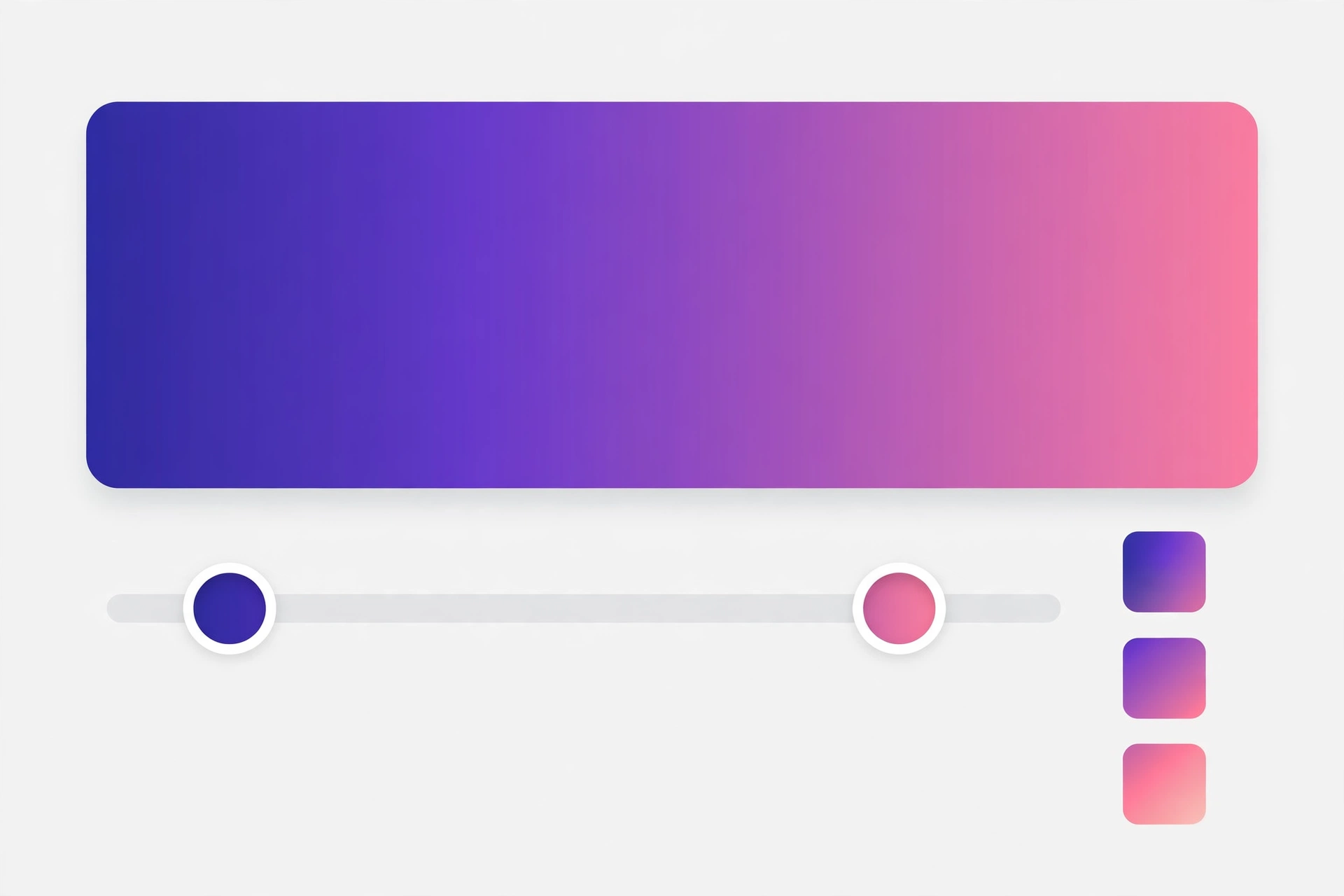
How to Use This CSS Gradient Generator Online in 4 Steps
- Pick the type. Choose Linear for a straight blend or Radial for colours spreading out from the centre in this css gradient generator online.
- Set the colours. Each stop row has a colour picker, a hex field and a position slider. Add stops for more colours, remove the ones you do not need.
- Adjust the direction. For a linear gradient, drag the angle slider or tap a direction preset to aim the blend the way you want it.
- Copy the CSS. Check the preview, then copy the code from the box and paste it into your stylesheet.
CSS Gradient Generator Online: How Gradients Actually Work
A gradient is a smooth blend between colour stops. Each stop is a colour at a position along the blend — 0% at the start, 100% at the end — and the browser fills in every shade in between. With two stops the blend runs straight from the first colour to the second. With more stops the blend passes through each colour in turn, so a three-stop gradient can move from warm to cool and back again in one smooth sweep. This css gradient generator online sorts your stops by position before it writes the code, so the colours always run in the order you meant, even if you added them out of order.
The angle decides the direction of a linear gradient. An angle of 0 degrees runs bottom to top, 90 degrees runs left to right, 180 degrees runs top to bottom, and 270 degrees runs right to left — and any number in between aims the blend diagonally. A radial gradient works differently: it has no angle at all, because the colours spread outward from a centre point in every direction at once. That is why the angle controls disappear when you switch to radial — there is nothing for them to aim.
One thing worth knowing is that a gradient in CSS is an image, not a colour. That is why it goes in a background property rather than a colour property, and why you can layer it over a plain background colour or under other background images. The code this tool writes is the standard form every modern browser understands, with no vendor prefixes and no extra lines. For the full syntax and every option the standard allows, see MDN's guide to CSS gradients.
CSS Gradient Generator Online vs Other Ways to Make a Gradient
| Method | Needs installing | Live preview | Writes the CSS | Best for |
|---|---|---|---|---|
| This css gradient generator online | No | Yes | Yes | A gradient in a minute |
| Writing the CSS by hand | No | No | You do | One gradient you already know |
| A design app | Yes | Yes | Sometimes | A full page design |
| An image editor export | Yes | Yes | No, it makes a file | A gradient as a picture |
For a gradient you want right now, with the CSS ready to paste and a preview you can trust, this css gradient generator online is the simplest choice.
Everyday Scenarios for This CSS Gradient Generator Online
A page background with this css gradient generator online
A plain white page feels empty, and a flat colour feels heavy. A soft two-colour gradient — pale at the top, a little deeper at the bottom — gives the page depth without shouting. Build it here, copy the one line of CSS, and set it as the page background.
A call-to-action button that stands out
Your main button needs to stand out from everything else on the page. A bold gradient, from one bright colour to another, catches the eye in a way a flat colour never does. Pick the two colours, check the preview, and paste the CSS into the button's style.
A banner overlay with this css gradient generator online
White text over a photo is hard to read where the photo is bright. A gradient that fades from dark at the bottom to transparent at the top, layered over the photo, gives the text a readable base without hiding the picture. The stops here let you place the fade exactly where the text sits.
Common Mistakes When Using a CSS Gradient Generator Online
The biggest mistake is picking colours that are too far apart. A gradient from bright red to bright blue passes through a muddy purple in the middle, and the result looks accidental rather than designed. Colours that sit near each other — two blues, or a warm orange into a soft pink — blend cleanly. If you want a bold change, add a middle stop in a colour that bridges the two ends.
The second mistake is forgetting contrast. A gradient behind text can look beautiful in the preview and still fail on the page, because the text sits over the lightest part of the blend. Check the text against the lightest and the darkest parts of the gradient, not just the middle, and darken the gradient or add a backing shade where the text needs it.
CSS Gradient Generator Online: Frequently Asked Questions
No. This css gradient generator online runs entirely in your browser. The colours and stops you pick are used only on your own device and are never uploaded, stored, or sent to a server.
A linear gradient blends colours along a straight line, in the direction of the angle you set. A radial gradient blends colours outward from a centre point, like rings spreading from the middle of the box.
At least two, and as many as you like after that. Two stops make a smooth blend from one colour to another; extra stops add more colours along the way, each at its own position.
The CSS it produces is standard linear-gradient and radial-gradient code, which works in every modern browser. The preview box uses that exact CSS, so what you see is what the code makes.
The angle is the direction the colours travel in a linear gradient: 0 degrees runs bottom to top, 90 degrees runs left to right, and 180 degrees runs top to bottom. The direction presets set the common angles for you.
In short, this css gradient generator online is the fast, private way to design a gradient — pick the colours, aim the blend, and copy the CSS straight into your stylesheet.