
Color Picker Online
Pick any colour and get its exact values in every format you need. This color picker online keeps HEX, RGB and HSL in sync as you work — type in one field and the others follow — with one-click copy for each format and a row of common colours to start from. No sign-up, no upload, and nothing leaves your browser.
Red, green and blue, each from 0 to 255.
Hue 0 to 360, saturation and lightness 0 to 100.
Pick a colour, or type a value in any field — the rest follows. Nothing is uploaded.
Colours are picked and converted entirely in your browser, and the HEX, RGB and HSL values are exact. Screens show colours a little differently from each other, so the same value can look slightly warmer or cooler on another display — always check a colour on the screen your audience will use.
Why Use This Color Picker Online?
Every colour on a website has to be written down somewhere, and the same colour can be written three different ways: as a HEX code, as RGB numbers, or as HSL values. A designer hands you a HEX code and your stylesheet wants RGB. A brand guide lists HSL and your design tool wants HEX. Converting by hand means doing the arithmetic yourself, and one slipped digit gives you a different colour entirely. A color picker online does the conversion for you, in both directions, the moment you pick or type a value.
The other half of the job is choosing the colour in the first place. Typing a HEX code from memory is guesswork — nobody can picture #4f46e5 from the digits alone. A picker you can see, with a swatch that updates as you work, turns guessing into choosing: drag to a colour you like, then read off the exact values in whatever format you need. The common-colour row gives you a starting point when you know roughly what you want.
Privacy matters here too: this color picker online runs entirely in your browser, so the colours you pick never leave your device. There is no account, no sign-in, and nothing to upload. It sits in our Image Tools collection for every small colour job, from a quick HEX lookup to the palette of a whole new page.
How to Use This Color Picker Online in 4 Steps
- Pick a colour. Tap the colour box to open your device's picker, or tap one of the common colours in this color picker online.
- Read the values. The HEX, RGB and HSL fields all update at once, so the format you need is already filled in.
- Type a value instead. Paste a HEX code, or type RGB or HSL numbers — the other fields and the swatch follow straight away.
- Copy what you need. Use the Copy button next to HEX, RGB or HSL, and paste the value into your stylesheet or design tool.
Color Picker Online: How HEX, RGB and HSL Actually Work
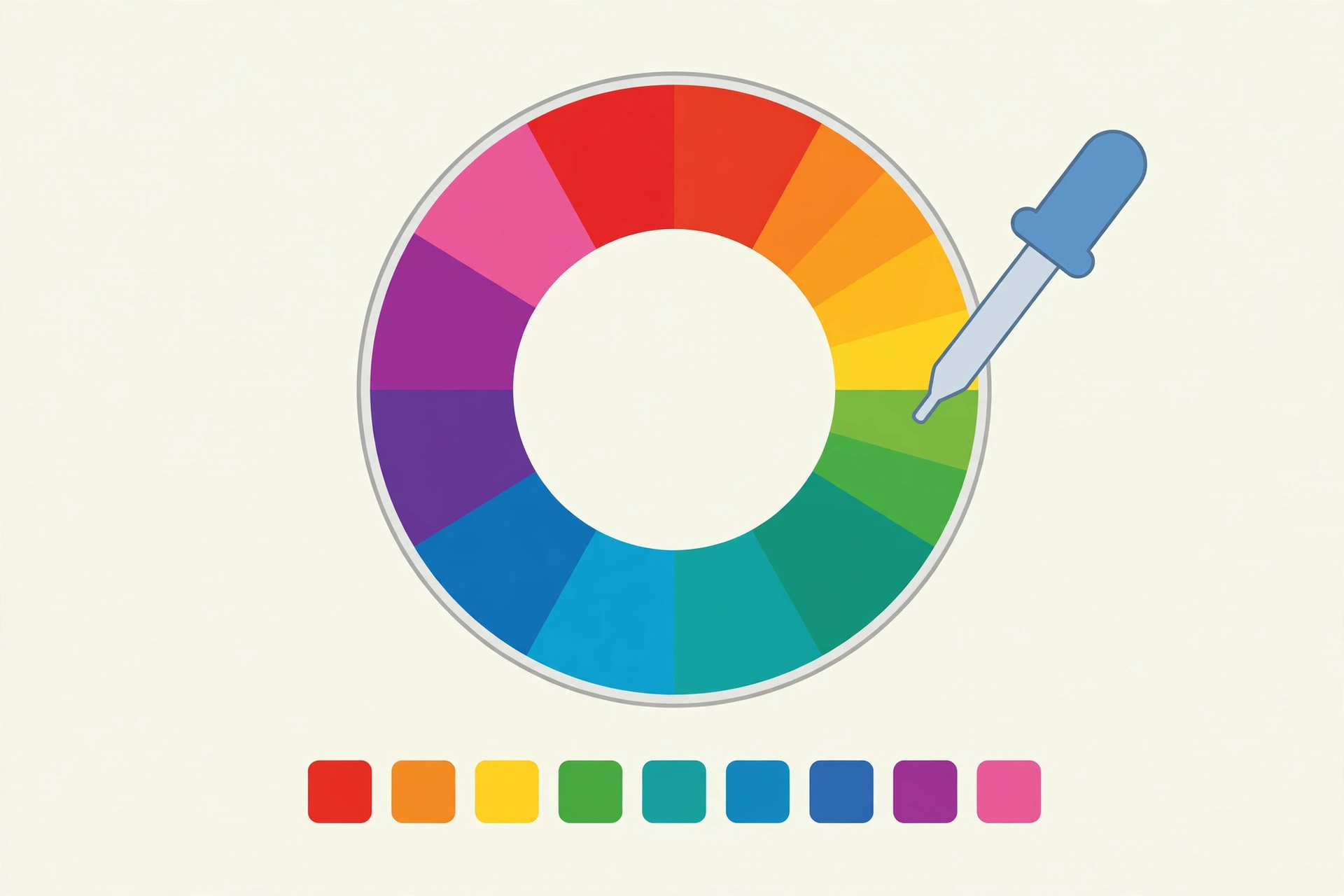
HEX, RGB and HSL are three ways of writing the same colour, and each one suits a different job. HEX is the shortest: six digits after a hash, two each for red, green and blue. RGB writes the same three amounts as plain numbers from 0 to 255, which is easier to read when you need to see the mix at a glance. HSL works differently — it describes a colour by its hue (where it sits on the colour wheel, 0 to 360), its saturation (how vivid it is, 0 to 100), and its lightness (how bright it is, 0 to 100). This color picker online converts between all three instantly, so the format you were given is never the format you are stuck with.
HSL earns its place when you need to adjust a colour rather than just name it. Making a colour lighter in HEX means changing all six digits by amounts you have to work out; in HSL it means raising one number. The same goes for making a colour more vivid, or shifting it toward a neighbour on the wheel — one slider, one number, and the change is exactly the size you asked for. That is why designers often pick in HSL and ship in HEX.
One detail worth knowing is rounding. Converting between formats involves division, so a colour that starts as RGB and goes through HSL and back can come out a digit or two different — #4f46e5 might return as #4e46e5, for example. The difference is far too small for any eye to see, and it only shows up when you convert back and forth several times. The values here are rounded to whole numbers, as every stylesheet writes them. For the full rules on how browsers read colour values, see MDN's guide to CSS colour values.
Color Picker Online vs Other Ways to Get a Colour Value
| Method | Needs installing | Shows all formats | Type a value back | Best for |
|---|---|---|---|---|
| This color picker online | No | Yes | Yes | A value in a minute |
| Converting by hand | No | No | You do | One value you can work out |
| A design app | Yes | Yes | Yes | A full design project |
| A browser eyedropper | No | Sometimes | No | Grabbing a colour off a page |
For a colour value you want right now, in the format you actually need, with no software to open, this color picker online is the simplest choice.
Everyday Scenarios for This Color Picker Online
Matching a brand colour with this color picker online
The brand guide says the primary colour is #1a73e8, but your stylesheet uses RGB and your slides use HSL. Paste the HEX code once and all three formats appear, ready to copy — the same colour, written three ways, with no arithmetic and no typo risk.
Lightening a button colour for readable text
Your button colour is right but too dark for the text on top of it. Type the HEX code in, read the HSL lightness, and raise it by ten — the hue and saturation stay the same, so the button keeps its character and the text becomes readable.
Building a palette with this color picker online
You have one colour you love and need four more that sit well beside it. Start from the common colours, shift the hue in steps, and copy each HEX code as you go.
Common Mistakes When Using a Color Picker Online
The biggest mistake is trusting one screen. The same HEX code looks warmer on one display and cooler on another, because panels and brightness settings differ — and a colour chosen on a bright office monitor can look muddy on a phone in sunlight. Check any important colour on the screen your audience will use, and test text colours at the real size, not just in a swatch.
The second mistake is copying the wrong format into the wrong place. A HEX code pasted where RGB was expected, or HSL numbers typed without their percent signs, either breaks the style or silently shows a different colour. Use the Copy button next to the format you need rather than typing the value out by hand.
Color Picker Online: Frequently Asked Questions
No. This color picker online runs entirely in your browser. The colours you pick and convert are used only on your own device and are never uploaded, stored, or sent to a server.
They are three ways of writing the same colour. HEX is a six-digit code like #4f46e5, RGB lists the red, green and blue amounts from 0 to 255, and HSL describes the colour by its hue, saturation and lightness, which is the easiest way to make a colour lighter or darker.
Any of them — every modern browser accepts HEX, RGB and HSL in CSS. HEX is the shortest to type, RGB is the clearest when you need transparency, and HSL is the easiest when you want to shift a colour lighter, darker, or more vivid.
Yes. The colour input opens your device's own colour picker, and the HEX, RGB and HSL fields work the same on a phone as on a computer. Tap a swatch, type a value, or pick from the colour input — all three stay in sync.
Every screen shows colours a little differently, because panels, brightness settings and colour profiles vary. The HEX, RGB and HSL values stay exact — only the display of them shifts — so always check a colour on the screen your audience will use.
In short, this color picker online is the fast, private way to pick a colour and get its exact values — choose a shade, copy the format you need, and paste it straight into your work.